Zopia × SVAiFF
2026 Los Angeles–Silicon Valley AI Film Festival
Create with AI. Be seen by the world.
Submission deadline ·
200 Zopia Universal Credits + 800 Vidu Credits
Credit eligibility and redemption follow the campaign terms.
View eventZopia × SVAiFF
Create with AI. Be seen by the world.
Submission deadline ·
200 Zopia Universal Credits + 800 Vidu Credits
Credit eligibility and redemption follow the campaign terms.
View event
Zopia × YFCon
Zopia at YFCon 2026: connecting with creators and industry partners through AI creation.
Zopia exhibitor · Ended · 2026.10.08–10.09
Anaheim Convention Center · Hall A
Booth B14

Zopia × AIGC ASIA
Celebrate Eastern culture with AI and share new cultural visions with the world.
Gold awards in two tracks, ¥20,000 each
Register and receive 1,000 credits
Sep 1–Oct 11
More creative possibilities, more rewards
Create without limits · Earn without limits
Platform challenges
Create with AI. Share your boundless imagination.
Great ideas deserve to be seen
CREATORS
MAKE A BRIGHTER WORLD
Platform challenges
Invite friends to top up and earn cashback rewards.
Create together, grow together
TOGETHER
WE CREATE MORE
Creator partnerships
Invite friends or apply as an affiliate and earn rewards.
Connect with creators. Grow together.
CREATE TOGETHER
GROW TOGETHER
Build a coherent AI film festival submission package: final film, subtitles, trailer, posters, synopsis, credits and a clear account of AI use.

Finishing the edit is only part of preparing a film for a festival. A jury needs to open the work, understand the story and see how it fits the programme. The organiser needs consistent titles, contributor information and promotional material.
Build the package around one final version. Then prepare subtitles, a trailer, posters, a synopsis, credits and an explanation of AI use. Working in that order keeps the material connected and makes late revisions easier to manage.
This guide uses SVAIFF Los Angeles 2026 as a current example. For another festival, apply the same preparation method to its own formats, running times and required files.
Start at the organiser’s official page. Record the deadline and time zone, eligible categories, AI conditions, running time, file requirements, fees and supplementary materials.
Notice the difference between a recommendation and a requirement. Also record fees by stage so you can plan the full route.
For example, the SVAIFF rules checked on October 18, 2026 set the regional deadline at October 25, 11:59 p.m. Pacific Time, with no regional submission fee. Productions advancing to the global final stage have a separate $99 evaluation fee per submission.
Next, connect each requirement with a file and a person responsible. A solo creator can make the same plan by task: subtitles one morning, artwork that afternoon and a full viewing the next day. “Prepare the materials” becomes a series of actions you can finish.
Use an editable document for the title, English title where applicable, director, contact information, production year, running time, language, category, synopsis and final filename.
Take information from that page when completing forms, designing artwork and writing emails. If the title or running time changes, update the master document first and then the associated files.
Keep the folder structure straightforward: film, subtitles, images, written information and source documentation. Give filenames a clear purpose and version so you can respond quickly to a request from the organiser.
For a team, make the current final package easy to identify. Everyone should know which version supplies the title, credits and artwork.
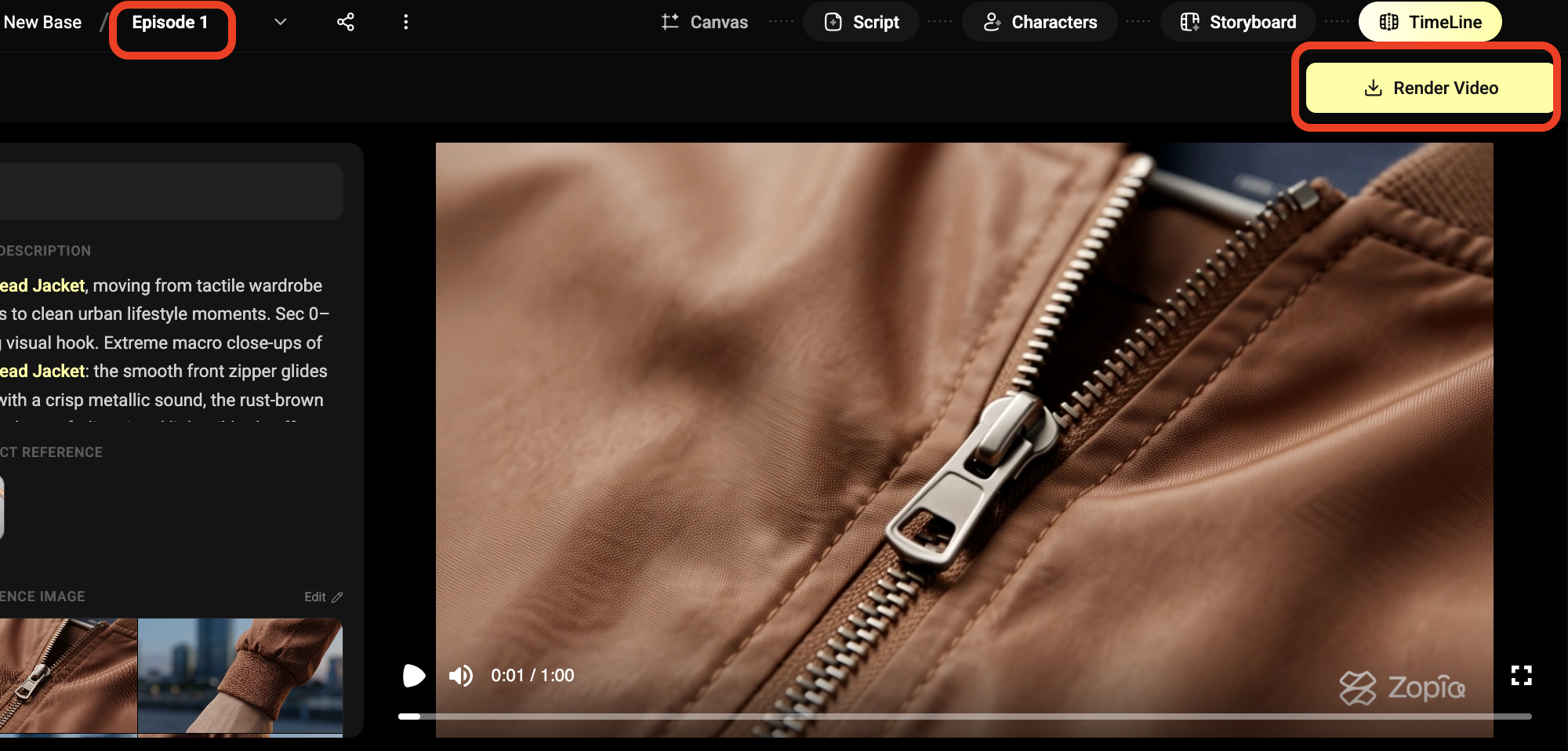
Open the file outside the editing timeline and watch from beginning to end. Check the titles, black gaps, skipped frames, missing sound, dialogue clarity and subtitle timing.
Pay particular attention to the most recently replaced shots. A last-minute update can introduce a draft, a different frame or an unexpected audio change.
Open the file on another device or player where possible. For a private viewing link, use a fresh browser window to test access. Supply a password through the requested field and keep the link available through the relevant review period.
SVAIFF currently requests MP4 or MOV at a minimum of 1080p. Another festival may specify a different export. Keep the actual rules beside you when preparing the file.
Start with the meaning, then consider reading time. Dense dialogue may need a concise translation that lets viewers look at the images while following the story.
Synchronise each cue with the speech. A subtitle appearing early can reveal information before the character says it; a late one can make the scene difficult to follow.
Create a consistent spelling for titles, names, places and cultural terms. If the film uses a dialect, lyrics or important text in the image, decide which material the audience needs to understand and follow the organiser’s instructions.
SVAIFF requires accurate English subtitles for non-English dialogue and recommends English subtitles for every film. After finishing, ask someone unfamiliar with the project whether they understood the person’s goal and the change in the story.
A useful trailer attracts attention, establishes a situation and leaves a question. Choose an opening action or sound that communicates something, then introduce the central conflict.
Use footage from the finished film and keep the tone consistent. The most effective moment may be a line, a hesitation or an unfinished action rather than a rapid montage.
Finish with readable title information. Make the duration serve the introduction. SVAIFF permits a trailer up to two minutes; a shorter trailer may communicate everything a short film needs.
Watch the trailer on its own. Can someone understand what kind of experience the film offers without your explanation? If the answer is unclear, revise the selection and order before adding more effects.
Shrink the poster to the size of a phone thumbnail. Is the title legible? Can you still recognise the main subject?
Establish a focal point before adding detail. Give typography space and keep contributor information consistent with the film.
Different shapes need different compositions. A horizontal poster can show the relationship between a person and an environment. A vertical version may concentrate on the character or object. Adjust the crop and text position instead of stretching the design.
SVAIFF currently requests 16:9 horizontal and 3:4 vertical posters. Keep the editable artwork, then export the required versions. When an official selection or award is confirmed, you can update the promotional information appropriately.
 Watch full video ↗
Introduce the person, the situation and the central conflict. Production technology belongs in a separate explanation so the synopsis can help the reader imagine the film.
For a fictional apprentice exercise, it might read:
An apprentice returns to a workshop before the old room is cleared. An unfinished object is still waiting on the bench. Faced with leaving it behind, the apprentice must decide whether to carry it away or begin again.
This gives the reader a person and a choice. If the form asks for a full synopsis, include the ending. If it requests a short public introduction, follow that length and purpose.
Write the synopsis after the edit is stable. A description prepared before a major rewrite may introduce a different story from the one the jury watches.
An AI Tool Usage Statement becomes clearer when it follows the process: writing, visual development, shot production, editing and sound.
For each stage, name the tools used, their role and the human decisions involved. Reference images may have established a character; generated clips may have been selected and revised; the final pace may have been shaped in the edit.
| Stage | Information to prepare |
|---|---|
| Writing and development | Original ideas, AI assistance and subsequent revisions |
| Visual references | Sources, character design and location development |
| Shot production | Generated, filmed and composited material |
| Editing and sound | Editing, voice, music and sound methods |
| Contribution estimate | Requested percentage, scope and estimation method |
Keep this description connected to your own project. If the form asks for a contribution estimate, explain what the figure measures. A count of generated footage and a description of narrative development address different aspects of production.
While working in Zopia, retain references, prompts, selected outputs and revision reasons with the project. Those records help you write the statement from actual decisions.
List contributors according to what they did and confirm the wording of their names. One person can hold several roles; a small team can be described clearly without making the credits complicated.
Keep documentation for music, voices, images, footage and other material with the project. A generated output and an uploaded reference may have different origins, so record both accurately.
This information also helps when preparing a public introduction later. You can explain the subject, acknowledge the people involved and identify how the imagery was made without reconstructing the process from memory.
Upload the package, open the links and review the form before sending. Check contact details carefully so a later request reaches the right person.
Save the confirmation and an exact copy of the files and text you submitted. Store later revisions separately. If the organiser asks about the original entry, you can identify it immediately.
Submission, official selection and an award each have their own communication. Follow the notification process and update your public description when you receive the relevant confirmation.
For the current Los Angeles competition, return to the official SVAIFF submission page for the latest requirements and entry route. If your film is still in production, bring the references and shot plan into Zopia and complete a clear sequence before preparing the final package.
Prepare the final film, subtitles, poster, synopsis, credits and AI-use statement, then check the festival’s formats and viewing-link requirements.
Yes. Match the title, duration, character names, subtitles and credits to the final film.
Describe actual tools and tasks by production stage, including writing assistance, images, video, voices and editing, alongside external material use.
Start creating professional AI videos with Zopia
Get Started Free