Zopia × SVAiFF
2026 Los Angeles–Silicon Valley AI Film Festival
Create with AI. Be seen by the world.
Submission deadline ·
200 Zopia Universal Credits + 800 Vidu Credits
Credit eligibility and redemption follow the campaign terms.
View eventZopia × SVAiFF
Create with AI. Be seen by the world.
Submission deadline ·
200 Zopia Universal Credits + 800 Vidu Credits
Credit eligibility and redemption follow the campaign terms.
View event
Zopia × YFCon
Zopia at YFCon 2026: connecting with creators and industry partners through AI creation.
Zopia exhibitor · Ended · 2026.10.08–10.09
Anaheim Convention Center · Hall A
Booth B14
Zopia × AIGC ASIA
Celebrate Eastern culture with AI and share new cultural visions with the world.
Gold awards in two tracks, ¥20,000 each
Register and receive 1,000 credits
Sep 1–Oct 11
More creative possibilities, more rewards
Create without limits · Earn without limits
Platform challenges
Create with AI. Share your boundless imagination.
Great ideas deserve to be seen
CREATORS
MAKE A BRIGHTER WORLD
Platform challenges
Invite friends to top up and earn cashback rewards.
Create together, grow together
TOGETHER
WE CREATE MORE
Creator partnerships
Invite friends or apply as an affiliate and earn rewards.
Connect with creators. Grow together.
CREATE TOGETHER
GROW TOGETHER
Separate character identity from wardrobe, pose and lighting, then use a reference-led workflow to diagnose drift in images and video.
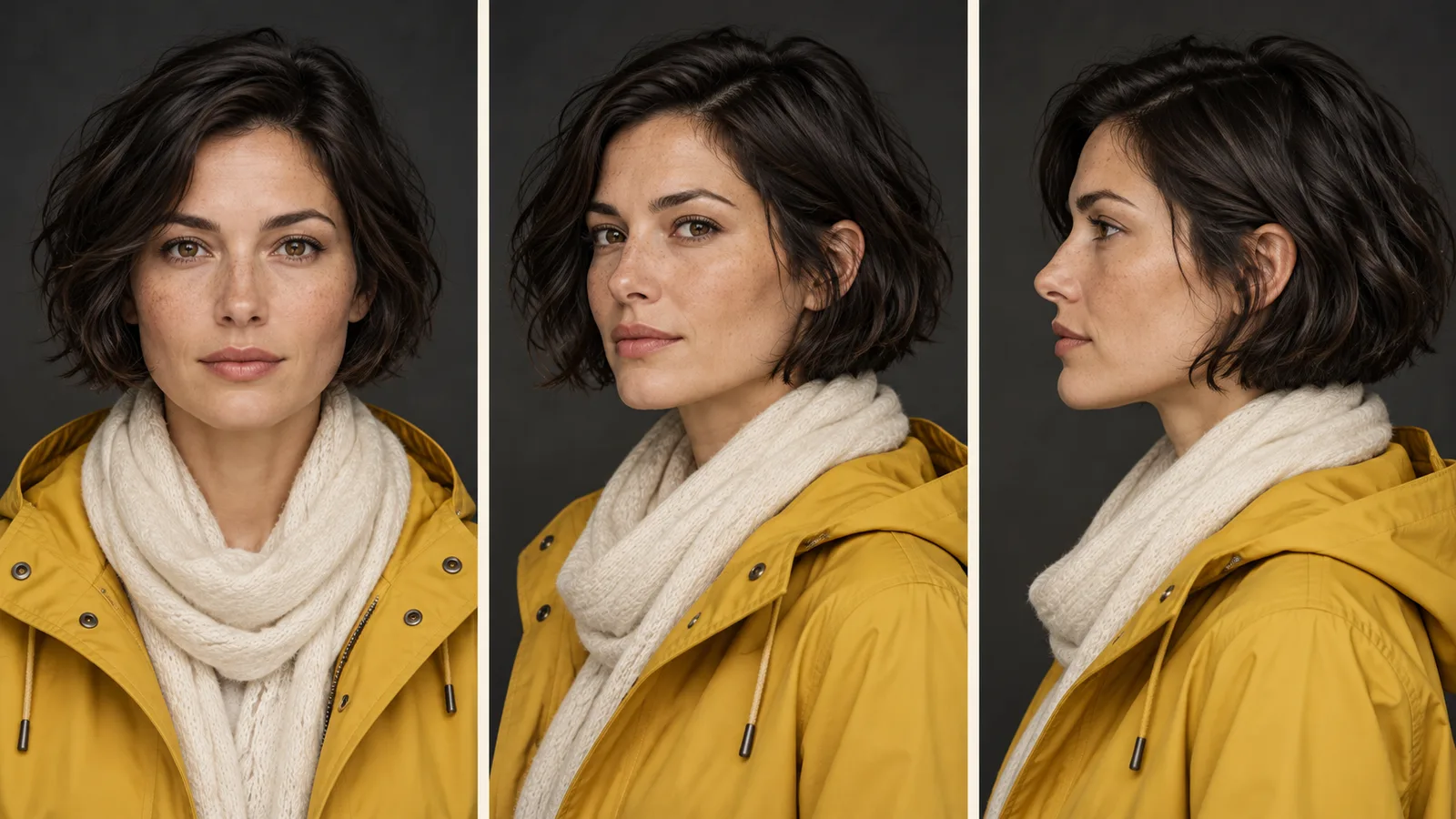
To keep an AI character consistent, establish a clear visual reference, separate identity from scene changes and inspect each new image before animating it. A repeated name or description alone does not ensure the same face. Image consistency and video consistency are separate problems: a convincing still can still drift when the character turns or moves.
Follow Mira, the watchmaker in our original story example The Last Repair, through changes in framing, lighting and movement. The workflow separates those changes so each revision has a clear purpose.
“The character looks wrong” can mean several things. The face may be different, the haircut may have changed, the costume may have shifted or the lighting may simply hide familiar features. Compare those issues separately.
For Mira, fixed identity includes her facial structure and short dark hair. Scene-specific details include a navy apron, a concentrated expression and her position behind the workbench. Later scenes may intentionally change the costume. That should not require a new identity.
Before revising the prompt, write one sentence describing the mismatch: “The new image has a narrower face,” or “The collar changed between adjacent shots.” A precise problem is easier to address than a general request for more consistency.
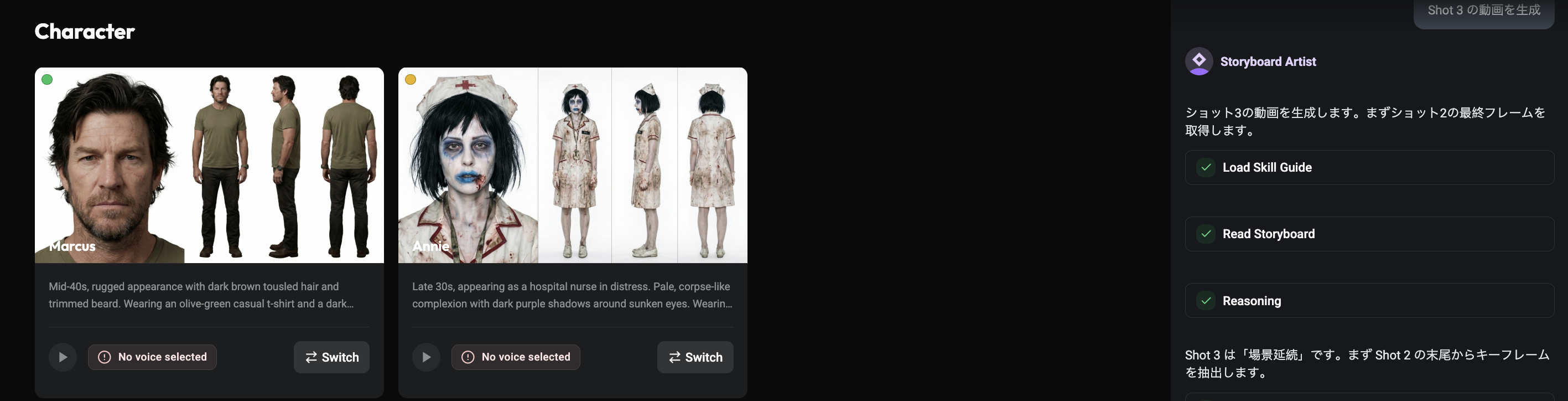
Start with a reference that clearly shows the character. Avoid making the only identity image a distant silhouette, an obscured face or a heavily distorted angle. Use material you own or have permission to use, including appropriate permission for real people's likenesses.
Runway's reference guide describes using clear character images and making complex changes incrementally. Its recommendations apply to the referenced model. Other models may accept different inputs, and their interfaces may distinguish identity, style or composition references differently.
Keep the selected reference identifiable in your project. An early exploratory image and the final approved character should not share an ambiguous filename such as “final2.” A simple name like “Mira-main-reference” tells collaborators what to reuse.
Begin with a nearby composition rather than changing wardrobe, location, lighting, age and camera angle together. For example, keep Mira's clothing and neutral indoor light while moving from a medium shot to a close-up.
Original image prompt for adaptation to a reference-capable model:
Create a close-up of Mira using the supplied character reference as the
identity reference. She wears the same navy work apron and looks down toward
the workbench. Her expression is attentive. Soft neutral indoor lighting,
eye-level camera, simple watch repair shop background.
Configure references using the tool's supported controls, then use the prompt to define the new composition. Runway's image prompting guide provides guidance on describing the subject, setting and composition.
After a close-up works, try a profile, then a different lighting setup. Compare each result with the same reference. If the face changes only under strong side lighting, return to softer lighting before introducing further changes.
Use an explicit costume note when the scene demands continuity: “same navy apron, pale shirt, sleeves rolled to the forearms.” If a prop matters, give it its own reference or isolate it in an insert. The character reference should not be expected to solve every object in the frame.
For two characters, begin with a clear layout showing who is on the left and right. Confirm both identities in the still before asking for crossing movement, an embrace or a complicated exchange. More simultaneous changes create more possible sources of confusion.
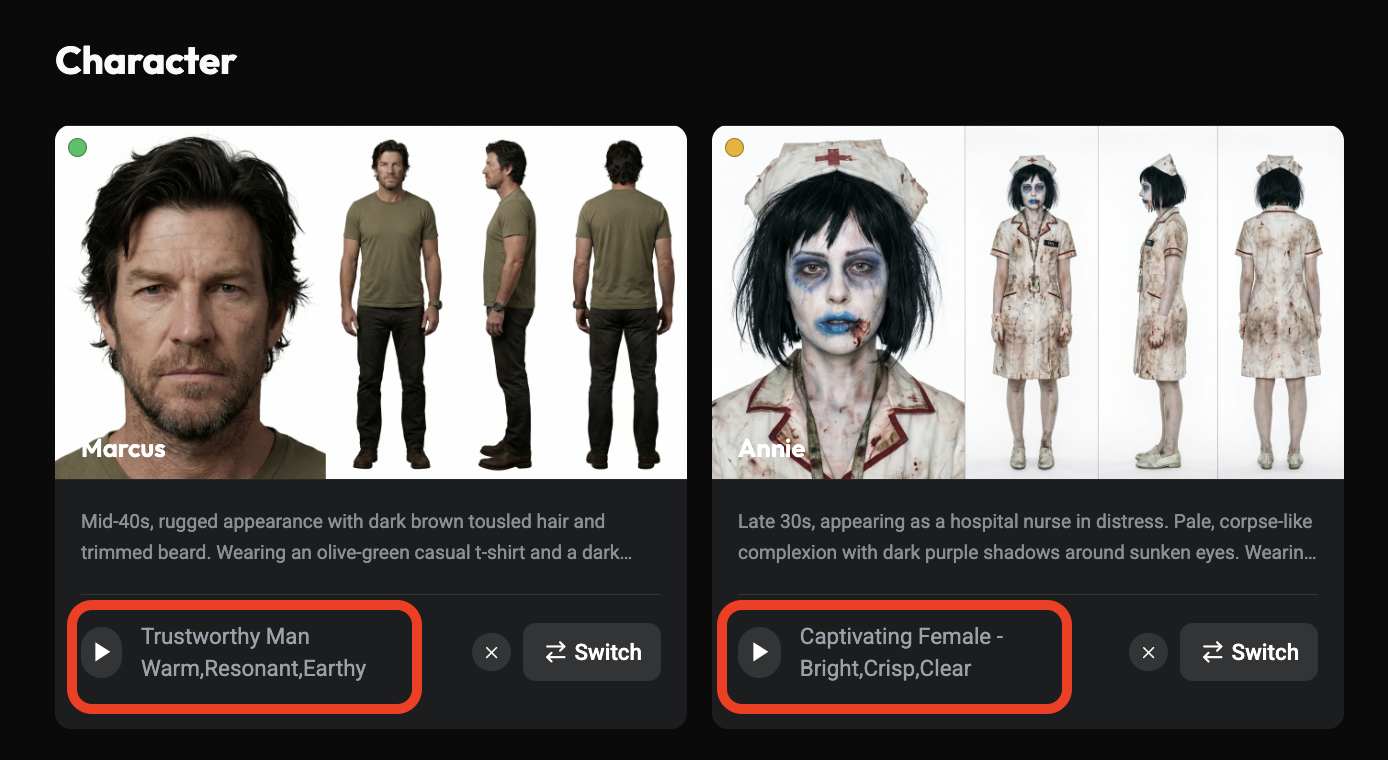
Inspect the face, hair, costume, hands and important props. Select a frame that already communicates the scene, then keep the initial video action simple.
Original motion prompt:
The watchmaker lifts her gaze from the workbench toward the doorway.
Her head turns slightly to the left while her shoulders remain relaxed.
The camera remains locked in a medium close-up.
Runway's video prompting guide describes an input image as the visual starting point for its covered model and recommends focused motion descriptions. Google's Veo prompt guide offers another approach to describing actions and camera behavior for its model family.
If Mira looks correct at the beginning but different after a turn, the failure is temporal rather than a bad starting portrait. Try a smaller turn, less simultaneous movement or a new shot that begins closer to the required angle.
If a hand passes across the face and the identity changes afterward, consider staging the gesture differently or covering the action with another shot. Editing can solve a storytelling need that does not require showing every moment in a single uninterrupted generation.
If the apron changes while the face stays stable, refine the wardrobe and input frame instead of repeatedly regenerating character portraits. The aim is to isolate the failing element.
 Watch full video ↗
Separate identity, wardrobe, performance and staging. Mira's face and short hair identify her; the navy apron places her in the shop; her expression belongs to the current beat; her position behind the bench belongs to the camera setup.
| Information | Mira example | When it changes |
|---|---|---|
| Identity | Facial structure and short hair | When the story deliberately requires it |
| Wardrobe | Pale shirt and navy apron | A planned costume change |
| Performance | Concentration, recognition, hesitation | With each story beat |
| Staging | Behind the workbench | With a readable blocking change |
Keep supplementary references consistent with the selected identity. An unrelated long-haired image or a much older-looking portrait can make the direction ambiguous. Choose the character first, then add useful angles.
Move from a familiar medium shot to a close-up, then try a modest angle change before changing the location. If a new shot adds a hat, strong backlight and running at the same time, it becomes difficult to identify why the character looks different.
For a three-quarter image, adapt the prompt:
Create a three-quarter view of Mira using the supplied character reference.
She wears the same navy apron and pale shirt. Her head is turned slightly
toward the doorway. Soft light reveals her facial features. Simple interior.
Keep clothing and background simple while evaluating the angle. To move outdoors, first try a similar framing under soft daylight; add walking after you have a readable starting composition. Preserve selected scene references so each shot develops from a useful choice.
For Mira and the visitor, define left and right positions, who is speaking and where each person looks. Begin with a two-shot that clearly shows both faces and costumes. Then add an exchange or movement.
Medium two-shot inside the repair shop. Mira stands on the left in her navy
apron. The visitor stands on the right in a brown coat. Mira looks toward
the visitor while he looks at the photograph on the counter between them.
Attach both character inputs through the selected model's supported method. If the identities blend, reduce obstruction or separate the figures. You can also build the exchange from individual reactions. The conversation needs to read clearly; every gesture need not happen in one shared frame.
The Zopia workspace organizes characters, scenes, storyboards and timelines alongside AI generation. Keep the chosen reference and fixed wardrobe notes associated with the relevant scene. Record intentional changes so a collaborator can distinguish a new costume from an error.
A useful next exercise is three shots of the same character: a neutral medium shot, a closer reaction and a modest head turn. Compare the specific identity traits that matter to your story. Expand to new locations and more complex movement only after the simpler sequence gives you a dependable starting point.
Prioritize clear, compatible references. Resolve conflicting hairstyles, wardrobe and ages before preparing more images.
Reduce the movement, prepare a reference closer to the new angle, and inspect the opening frame separately from the motion.
Keep facial features, hairstyle and body characteristics consistent. Prepare the new outfit separately and record when the change occurs.
Start creating professional AI videos with Zopia
Get Started Free