Zopia × SVAiFF
2026 Los Angeles–Silicon Valley AI Film Festival
Create with AI. Be seen by the world.
Submission deadline ·
200 Zopia Universal Credits + 800 Vidu Credits
Credit eligibility and redemption follow the campaign terms.
View eventZopia × SVAiFF
Create with AI. Be seen by the world.
Submission deadline ·
200 Zopia Universal Credits + 800 Vidu Credits
Credit eligibility and redemption follow the campaign terms.
View event
Zopia × YFCon
Zopia at YFCon 2026: connecting with creators and industry partners through AI creation.
Zopia exhibitor · Ended · 2026.10.08–10.09
Anaheim Convention Center · Hall A
Booth B14
Zopia × AIGC ASIA
Celebrate Eastern culture with AI and share new cultural visions with the world.
Gold awards in two tracks, ¥20,000 each
Register and receive 1,000 credits
Sep 1–Oct 11
More creative possibilities, more rewards
Create without limits · Earn without limits
Platform challenges
Create with AI. Share your boundless imagination.
Great ideas deserve to be seen
CREATORS
MAKE A BRIGHTER WORLD
Platform challenges
Invite friends to top up and earn cashback rewards.
Create together, grow together
TOGETHER
WE CREATE MORE
Creator partnerships
Invite friends or apply as an affiliate and earn rewards.
Connect with creators. Grow together.
CREATE TOGETHER
GROW TOGETHER
Build clear Seedance 2.5 shot prompts, assign reference roles and improve a scene one decision at a time.
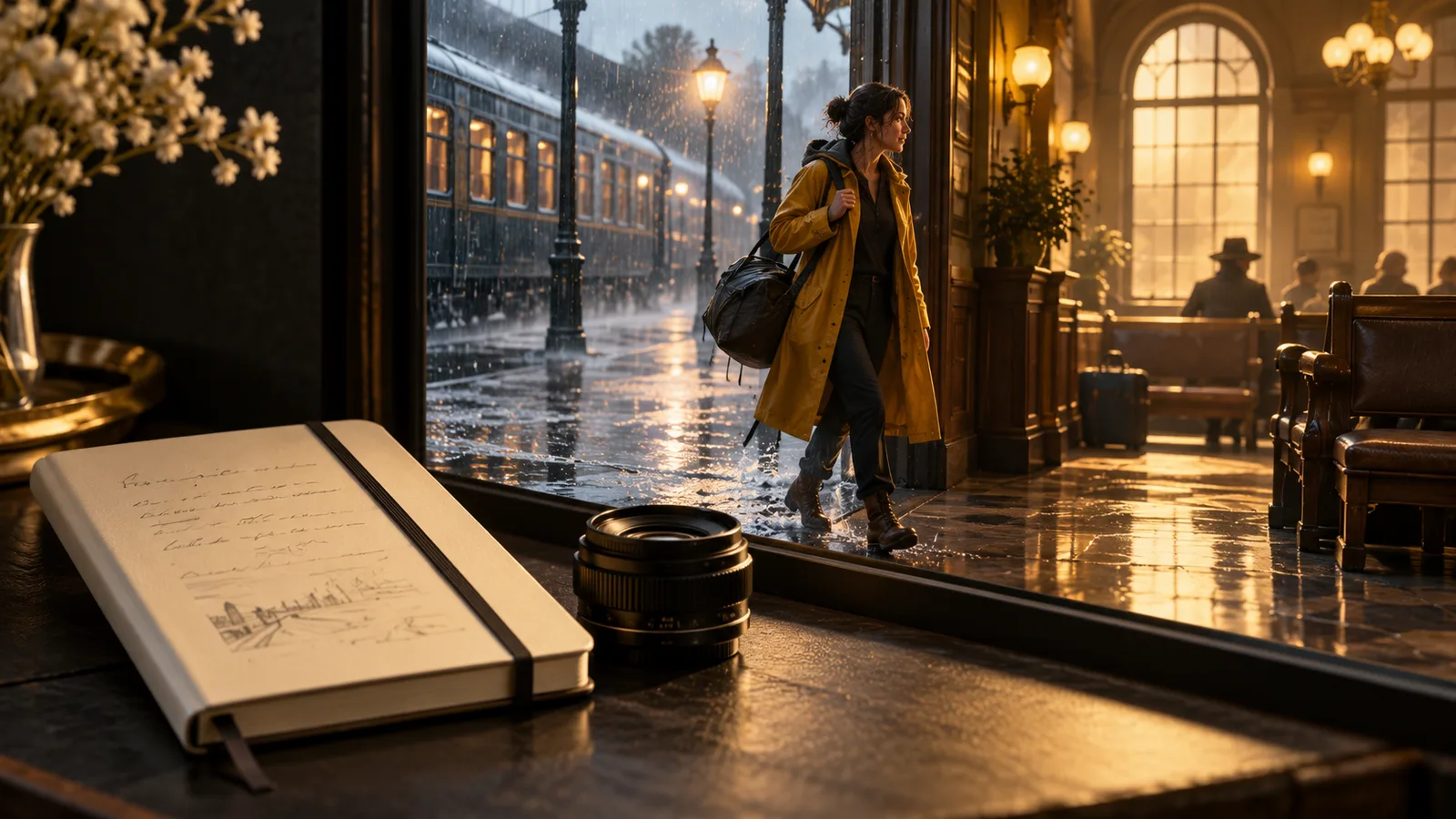
A useful Seedance 2.5 prompt gives the model a scene it can stage: who is present, what changes, where the camera is, and which details should stay consistent. Start with a single readable action. Add references and more complex timing only when the first result establishes the scene clearly.
The station exercise below develops three practical skills: giving an action a clear ending, giving camera movement a purpose and connecting adjacent shots through a character's gaze.
Before a production task, open the current model selector and confirm Seedance 2.5. Check the input types, output choices and cost shown for that mode, then prepare your material around those options.
Describe the subject and setting first. Then specify a visible action with a beginning and end. Choose framing and one main camera movement. Establish light and texture. Finally, state the details that must survive the action.
For example, “cinematic traveler at a station” establishes a mood but leaves the action unresolved. “A traveler in a blue jacket places a folded map on the station bench and looks toward an arriving train” creates an event. Camera and lighting instructions can then support that event.
Keep visible facts ahead of adjectives. A chipped wooden bench, a canvas bag and pale morning light give a scene more direction than a string of claims such as premium, stunning and award-winning.
| Decision | Choice for this exercise | Purpose |
|---|---|---|
| Subject | Traveler in a blue jacket | A recognizable identity across shots |
| Action | Put down the map, then look up | A readable beginning and ending |
| Framing | Medium shot at seated eye level | Keep the face and hands visible |
| Movement | Fixed camera or gentle push | Support the action without competing |
| Continuity | Jacket, bag and map position | Prepare a useful next shot |
Resolve these choices before polishing the wording. “The traveler sits on the right, leaving room for the tracks on the left” gives more compositional direction than another claim about cinematic quality.
Medium shot on a quiet railway platform before sunrise. A traveler in a blue jacket sits beside a canvas bag. The traveler places a folded paper map on the bench, then looks toward the tracks. The camera remains at seated eye level with a gentle push forward. Cool morning light, natural skin texture, restrained color. Keep the jacket and bag unchanged.
This prompt asks for a small sequence with a clear endpoint. If the map placement looks confused, simplify to a traveler already holding the map and turning toward the tracks. If the push obscures the hands, use a fixed camera for the action and reserve the push for a separate reaction shot.
Wide shot inside a glass-roofed station at dawn. A traveler stands still beside a blue suitcase. The camera moves slowly backward, revealing the roof structure and empty platform. Soft daylight spreads across the floor. Keep the traveler in the same position and preserve the suitcase shape as the frame widens.
The movement has one purpose: reveal the setting. Adding a spin, rapid zoom and character run would turn it into a different shot. If the subject becomes too small, shorten the intended reveal or choose a closer framing rather than demanding that every element remain equally prominent.
Over-the-shoulder view on the same station platform. Keep a small portion of the blue jacket in the foreground. A platform sign stands in the left side of the distant frame. The traveler remains still. Fixed camera, cool morning light continuing from the previous shot, with the sign's shape readable beyond the shoulder. Keep the platform quiet.
If the traveler looked left in the preceding shot, place the object of attention in a compatible direction. Establish the sign through its shape and position; add precise lettering afterward. This lets the shot explain a gaze without also depending on the accuracy of tiny moving text.
When the selected mode offers reference input, prepare clean material and explain what each asset contributes. One image might define the traveler; another might define the station. Avoid conflicting clothes, lighting or viewpoints unless the intended transformation is explicit.
An instruction can say: “Use the attached character reference for the traveler's face, hairstyle and jacket. Use the station reference for architecture and floor materials.” Attach and associate assets using the actual controls. Plain text that mentions an image does not itself attach a file.
Begin with the minimum material needed to resolve uncertainty. Extra references can introduce disagreements about color, identity or composition. Establish a readable character in one scene before attempting several people, multiple locations and a camera transition together.
Match references to the viewing angle as well. A seated medium shot benefits from clear face and clothing information. A distant establishing view depends more on architecture and silhouette. Choose material for what the current frame needs to preserve.
A rough prompt might say, “A traveler feels sad at the station, cinematic camera, rich detail.” Rewrite the performance as a sequence: hold the map, pause, then look up. Choose a fixed medium shot so the viewer can read the movement.
To increase tension, ask the hand to tighten around the map and then relax. To suggest anticipation, have the traveler lean forward slightly when looking up. Change the physical performance first; decide whether the camera needs to move afterward.
The opening and closing positions deserve the same care. If the traveler keeps moving after putting down the map, the edit may have no stable landing point. Ask for the hand to withdraw and for the gaze to hold toward the tracks after the action.
Before planning the next shot, record facing direction, prop position and light direction. Carry those conditions forward while changing the task. Moving the same character from a bench to a train window needs an editorial transition or a clear change of space, not just a new location noun.
If the output is visually busy, remove secondary actions and background events. If the camera ignores the main action, specify its starting position and one movement. If wardrobe changes, use the same approved reference and simplify the clothing description. If a small object changes shape, make it larger in frame or cut around the interaction.
For a continuation, write down where the previous shot ends: which way the character faces, where the prop is, and what the camera sees. Use that state to plan the next shot, keeping the previous ending frame beside the new opening frame while comparing their details.
Keep a short note beside each candidate: what you wanted, what appeared, what you changed and which version you chose. This helps you recover a useful decision without inventing a supposedly universal prompt formula.
Make the fixed medium shot first to establish the action. Add the shoulder view to establish the look, then the wider station reveal to establish the place. If the first shot has a hand problem, repair it before adding another character. The exercise is complete when the sequence clearly communicates that the traveler is waiting for a train.
For an ambitious continuous take, write an ordinary shot list first. Identify which actions truly depend on continuous space and which could be cut apart. Keep actions together because the story benefits, rather than because a longer request sounds more impressive.
Watch at normal speed to judge intent and pacing, then inspect faces, hands and props more closely. A brief usable segment can be enough for your cut. Add titles and precise typography afterward so the edit controls spelling, position and timing.
This workflow is designed for a concrete first task: one traveler, one prop and one readable action. Once that works, vary the location or camera while retaining the approved identity material. You can begin the sequence in Zopia's workspace, checking the current Seedance 2.5 options before you generate.
Describe the subject, one visible action and camera behavior, followed by setting and light. Add complexity after a clear shot works.
Identify whether the issue concerns identity, action, space or camera movement, then adjust one main element while keeping useful parts.
Reuse the story and shot intent, then confirm reference inputs, modes and output options for the selected version.
Start creating professional AI videos with Zopia
Get Started Free