
Zopia × SVAiFF
2026 Los Angeles–Silicon Valley AI Film Festival
Create with AI. Be seen by the world.
Submission deadline ·
200 Zopia Universal Credits + 800 Vidu Credits
Credit eligibility and redemption follow the campaign terms.
View eventZopia × SVAiFF
Create with AI. Be seen by the world.
Submission deadline ·
200 Zopia Universal Credits + 800 Vidu Credits
Credit eligibility and redemption follow the campaign terms.
View event
Zopia × YFCon
Zopia at YFCon 2026: connecting with creators and industry partners through AI creation.
Zopia exhibitor · Ended · 2026.10.08–10.09
Anaheim Convention Center · Hall A
Booth B14

Zopia × AIGC ASIA
Celebrate Eastern culture with AI and share new cultural visions with the world.
Gold awards in two tracks, ¥20,000 each
Register and receive 1,000 credits
Sep 1–Oct 11
More creative possibilities, more rewards
Create without limits · Earn without limits
Platform challenges
Create with AI. Share your boundless imagination.
Great ideas deserve to be seen
CREATORS
MAKE A BRIGHTER WORLD
Platform challenges
Invite friends to top up and earn cashback rewards.
Create together, grow together
TOGETHER
WE CREATE MORE
Creator partnerships
Invite friends or apply as an affiliate and earn rewards.
Connect with creators. Grow together.
CREATE TOGETHER
GROW TOGETHER
Prepare for SVAIFF Los Angeles with the current submission deadline, a practical materials workflow and a clear distinction between festival rules and Zopia rewards.
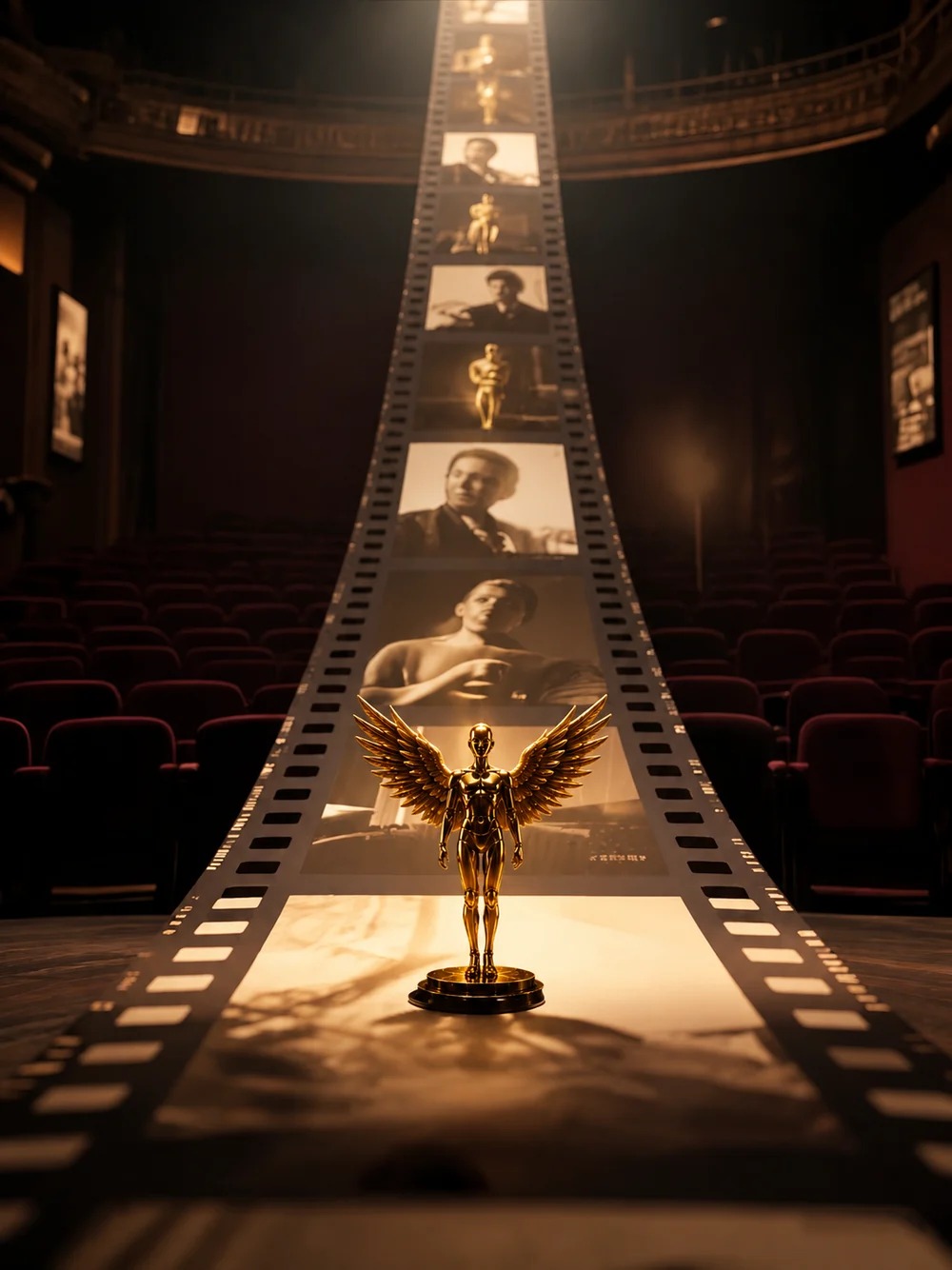
October 18, 2026 update: regional submissions close October 25 at 11:59 p.m. Pacific Time. The Los Angeles event is scheduled for November 1 at the Saban Theatre.
Finishing a film involves more than completing the edit. Subtitles, a trailer, posters and a clear production statement help a jury encounter the work as you intend. With the SVAIFF Los Angeles deadline approaching, this is a good moment to turn those remaining tasks into a manageable plan.
Below, you will find the current dates, the materials to prepare and the route to Zopia creator support. Keep the official competition page nearby as you work: it contains the submission route and the full conditions for this edition.
| Milestone | Current schedule |
|---|---|
| Regional submission deadline | October 25, 2026, 11:59 p.m. Pacific Time |
| Los Angeles event | November 1, 2026, Saban Theatre |
| Global final selection | December 15, 2026–January 1, 2027 |
| Global final ceremony | Scheduled January 9–10, 2027, in Silicon Valley |
Regional submission has no entry fee. Productions advancing to the global final judging stage have a separate evaluation fee of $99 per submission. The organiser will confirm the global ceremony’s final venue and programme.
If your team works across time zones, write the complete Pacific Time deadline into the shared calendar and confirm the corresponding local time for each person. Leave room for export, upload and access problems. The final generation should not be scheduled a few minutes before submission closes.

The published criteria accept AI-generated films and films with substantial AI involvement, including hybrid productions combining live action and generated material. Eligible forms include narrative, animation, documentary, experimental or concept films and music videos.
The rules specify more than 50% of visual content or core narrative development being generated, created or substantially assisted by generative AI. As you prepare the entry, describe the actual production process: who developed the story, how the script changed, which shots were generated and how editing and sound were completed.
The recommended running times are 3–30 minutes for short-form work and 60–90 minutes for feature-length work. Read the complete criteria for your intended category, and ask the organiser about any uncertainty before committing to a final submission.
The current package includes the film, a trailer up to two minutes long, a 16:9 horizontal poster, a 3:4 vertical poster, a synopsis, complete creative-team credits and an AI Tool Usage Statement.
The film should use MP4 or MOV at a minimum resolution of 1080p. Non-English dialogue needs accurate, synchronised English subtitles. The organiser also strongly recommends English subtitles for every film.
Lock the edit before producing the supporting files. If you change the title or ending late in the process, update the film, posters, synopsis and subtitles together. Those pieces are introducing one work; consistency makes the submission easier to understand.
A simple folder structure is enough: film, subtitles, promotional images, written information and source documentation. Use readable filenames that identify the project, purpose and version.
Watch the actual exported file outside the editing application. Check the beginning and end, black frames, missing sound, sudden volume changes and any draft text. Pay particular attention to shots replaced during the last revision.
For English subtitles, consider what an international viewer needs to understand the character’s choices. Keep names and cultural terms consistent. When dialogue is dense, a concise translation may be easier to read than a long literal sentence, provided the meaning remains accurate.
Then check the link or file as a recipient would. Open it in a fresh browser window, confirm the password if one is required and make sure the viewing permission will remain available. A perfect export still needs a reliable route to the jury.
A useful trailer introduces a person, a situation and a reason to keep watching. Begin with an image, action or sound that carries information. Establish enough conflict to create interest, then finish with clear title information.
Select footage from the final film. A coherent, shorter trailer can work better than using the full permitted duration. Let the pace reflect the film, whether that means a rapid sequence or time spent with a quiet decision.
For the posters, recompose each shape. A horizontal image can establish the relationship between person and place; a vertical version may need a tighter focal point. Avoid stretching the same artwork across both ratios.
View each poster at a small size before exporting. Can you read the title? Is the main subject still recognisable? Keep the credit wording consistent with the film’s end titles.

Start with writing and development, then visual references, shot production, editing and sound. For each stage, explain which tools were used, what they contributed and what you decided.
For instance, your real record might show that reference images established a character, generated clips were selected and revised by the director, and the final rhythm was created in the edit. Those are different contributions and become more useful when described separately.
If a percentage is requested, estimate it from your own production information and explain the scope of the estimate. A statement about visual footage may measure something different from a statement about narrative development.
When organising work in Zopia, keep references, prompts and shot-selection notes with the project. Those materials make the later statement easier to write and help you explain choices accurately.
The official festival homepage links directly to Zopia credits. The activity has described support involving 200 universal credits and 800 Vidu credits. Zopia’s October 16 notice extended the credit activity to October 26.
Check the current activity page for eligibility, distribution, use and expiry. Make two separate tasks in your calendar: claim any support for which you qualify, and submit the film through the organiser’s own route.
The festival deadline remains October 25 at 11:59 p.m. Pacific Time under the current rules. Keeping the reward activity and competition entry separate helps you allocate the remaining production time.
Use the first part of your remaining time to finish the story, missing footage, dialogue and sound. Next, lock the edit and make the subtitle, trailer and poster files. Then prepare the written materials and upload the package.
Leave time for one complete viewing and one access check. If another person can watch without knowing the project, ask whether they understand the protagonist’s goal and the change at the end. Their questions may reveal something you no longer notice after repeated edits.
When one complex shot remains unresolved, ask whether it is essential. A simpler reaction or a clearer result can sometimes communicate the same idea. Completing the film is a creative decision, too.
After submitting, save the confirmation and exact files sent. Later revisions should be stored separately so you can respond clearly if the organiser refers to the original version.
Follow the organiser’s communications about selection, screening and later stages. Keep your credits, source information and project materials available in case further details are requested.
For public sharing, use the title and description you supplied, and update the status when you receive a relevant notification. The November Los Angeles event and the later global pathway have their own programme and participation details.
When you are ready, open the current SVAIFF rules and submission entry point. For production support, follow the Zopia link from the official festival homepage and bring a clear shot plan to your remaining work.
The deadline is October 25, 2026 at 11:59 p.m. Pacific Time. Leave time to upload files and check viewing links.
Los Angeles regional submission is free. The US$99 global-final evaluation fee applies to a separate stage.
No. The Los Angeles event is November 1, submission closes October 25, and Zopia’s creator-credit support has separate terms.
Start creating professional AI videos with Zopia
Get Started Free