Zopia × SVAiFF
2026 Los Angeles–Silicon Valley AI Film Festival
Create with AI. Be seen by the world.
Submission deadline ·
200 Zopia Universal Credits + 800 Vidu Credits
Credit eligibility and redemption follow the campaign terms.
View eventZopia × SVAiFF
Create with AI. Be seen by the world.
Submission deadline ·
200 Zopia Universal Credits + 800 Vidu Credits
Credit eligibility and redemption follow the campaign terms.
View event
Zopia × YFCon
Zopia at YFCon 2026: connecting with creators and industry partners through AI creation.
Zopia exhibitor · Ended · 2026.10.08–10.09
Anaheim Convention Center · Hall A
Booth B14
Zopia × AIGC ASIA
Celebrate Eastern culture with AI and share new cultural visions with the world.
Gold awards in two tracks, ¥20,000 each
Register and receive 1,000 credits
Sep 1–Oct 11
More creative possibilities, more rewards
Create without limits · Earn without limits
Platform challenges
Create with AI. Share your boundless imagination.
Great ideas deserve to be seen
CREATORS
MAKE A BRIGHTER WORLD
Platform challenges
Invite friends to top up and earn cashback rewards.
Create together, grow together
TOGETHER
WE CREATE MORE
Creator partnerships
Invite friends or apply as an affiliate and earn rewards.
Connect with creators. Grow together.
CREATE TOGETHER
GROW TOGETHER
Build a heritage film around a craft, a character or a treasured object, with cultural research, story planning, visual references, focused shots and sound.
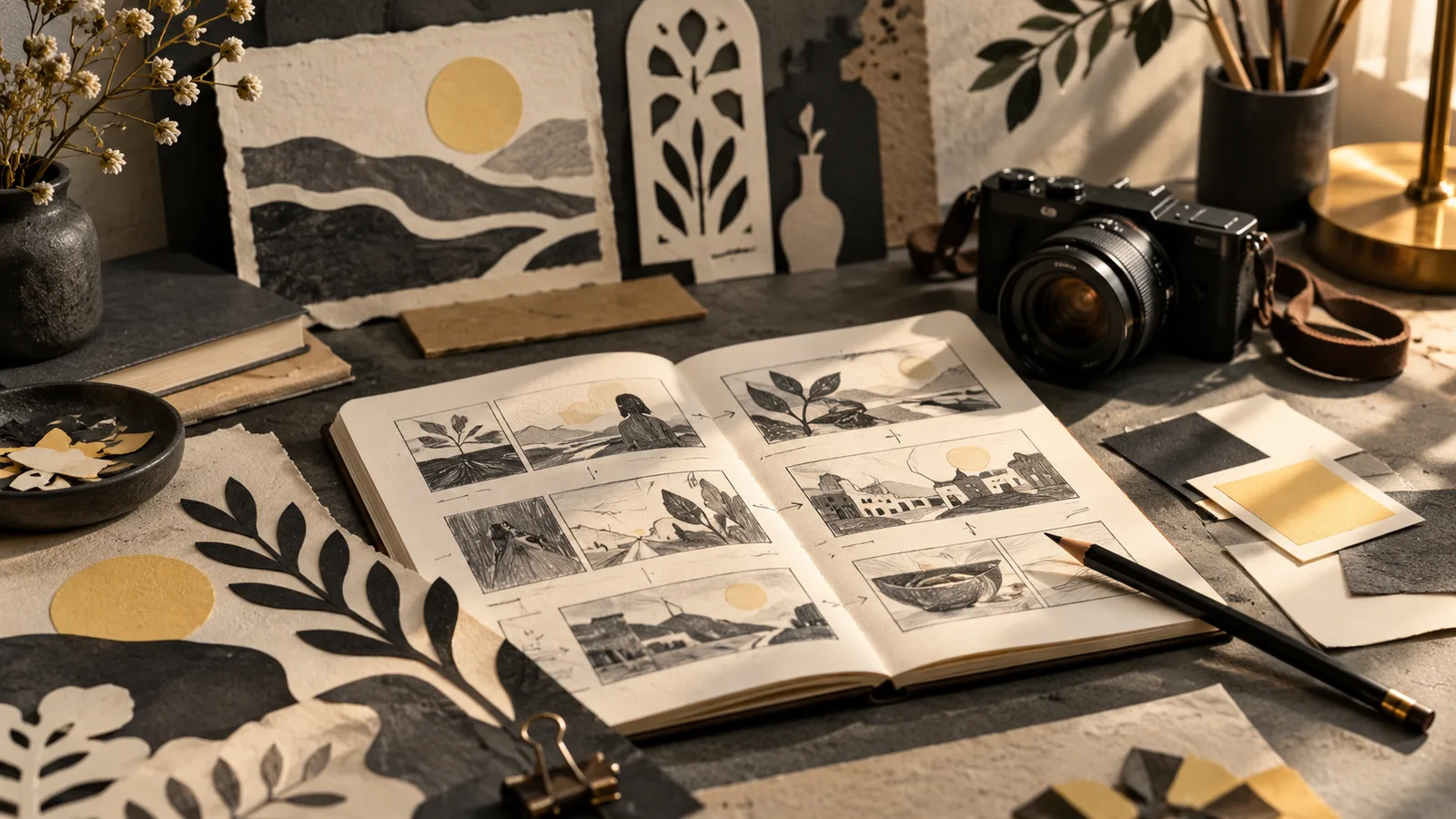
A heritage-inspired film can begin with something small: a young person entering a workshop, an object being repaired or a familiar sound returning to a street. A viewer can follow a person and an action. AI can contribute to visual development and shot production, while the story begins with what you choose to notice.
The heritage theme of AIGC ASIA has brought this question to more creators. For your own project, move through a practical sequence: choose a question, gather sources, write a small story, plan the shots, produce the material and edit for meaning.
Below, we use a fictional apprentice returning to a contemporary workshop as a creative exercise. The aim is to build a clear film around a decision.
“Introduce traditional culture” leaves many choices unresolved. A person, an action or an object gives you a more workable subject.
Why does an apprentice pick up a tool again? Why does a practitioner prepare something in a particular order? How does an old object find a place in daily use?
Consider your sources and your intended expression together. Can you find a reliable explanation? Can someone familiar with the subject help you understand it? What should the audience understand more clearly afterwards?
For the exercise, the question is why the apprentice decides to begin again. The film therefore needs arrival, observation, hesitation and a choice. That gives each image a role before you decide how it should look.
Record the subject’s name, location, associated people, setting, tools, materials and important actions. Keep a source and date with each detail so you can return to it later.
Different material answers different questions. Written information can establish context. A clear image can help identify an object. A practitioner’s explanation can make the reason for an action understandable.
Pay attention to details that are easy to confuse. Similar objects may have different names or uses in different places. Clothing associated with an occasion may not belong in an ordinary workspace.
Choose references in context. When something is uncertain, simplify the scene or seek an explanation before making it central to the film.
Describe where the person comes from, what they encounter and what they decide. For our exercise: an apprentice returns to a workshop after a long absence; an unfinished object is still on the bench; after hesitating, the apprentice spreads out the sketch and begins again.
Those sentences establish a beginning, middle and ending. Voiceover can add background, but the images should first help the audience understand the situation.
If most of the story only works through explanation, reduce its scope or choose a more visible action. A shorter scene with a readable decision can carry more meaning than an overloaded summary.
For a real subject, invite someone who knows the context to read the treatment. Ask which actions need clarification and whether the relationship between people and objects makes sense.
| Shot | Story task | Production focus |
|---|---|---|
| Workshop entrance | Establish arrival | Clear direction and geography |
| Apprentice at the bench | Introduce the situation | Person and object together |
| Sketch and unfinished work | Reveal attention | Stable shapes and positions |
| Reaction | Show hesitation | One restrained action |
| Return to the bench | Complete the decision | Echo an earlier composition with a change |
Start with words rather than polished images. Explain what each shot contributes, then choose framing, action and possible sound.
If two shots only introduce the room, combine them and leave more time for the person’s response. The relationship between shots matters more than the number of panels.
You should be able to explain why one image follows another and what the viewer learns from the transition.
For the person, record appearance, hair, clothing and the features important to recognition. For the location, note doors, windows, the workbench and light direction. For a key object, keep its silhouette, size relationship and current state clear.
Select references with a visible subject and an understandable purpose. Begin with one main reference, then add details as the shot requires. Several conflicting images can make the project harder to direct.
Organise the story and references in your Zopia project before choosing generation options. Check the current model’s supported input modes, then begin with one simple shot.
Evaluate what actually carries across to the output. That gives you a useful basis for deciding how to continue the sequence.
A shot prompt can answer: who is present, what happens, where it happens, how the camera sees it and what the light does.
For the apprentice’s reaction:
A fictional apprentice in a plain charcoal work shirt stands at a wooden bench in a present-day craft studio. The apprentice places a pencil beside a sketch and looks down at an unfinished object. Eye-level medium shot, locked camera, soft light from the left, restrained movement. Keep the clothing, workbench and object silhouette consistent. Simple background.
Let that action work before adding more demands. If the camera movement competes with the gesture, keep the camera still. If the movement is too complicated, separate an action close-up from the person’s reaction.
A precise cultural process may need another method. Permitted real footage, photographs, diagrams and generated images can all contribute to the same film. Choose the method that makes the important detail understandable.
 Watch full video ↗
If the character changes, return to the main reference and clothing description. If the room becomes confusing, examine the camera direction and adjacent shots. If an object distorts, reduce occlusion or complex movement.
Start with the issue that affects comprehension. Decorative adjustments can wait until the action and subject are clear.
When a gesture remains difficult, ask what it needs to communicate. A clear result followed by a reaction may replace a complicated continuous process. The story task can stay the same while the way you show it changes.
Keep the prompt, reference and selection reason with your chosen material. When you return, you will know what is working and what still needs attention.
Watch the first assembly without music. Check whether the person’s action and choice make sense. Then add dialogue, environment and music.
A door, footsteps, paper or the placement of a tool can make the room feel specific. Let sound help the audience approach the person rather than cover every pause.
Voiceover can explain something the image cannot communicate alone. It does not need to describe each visible movement. Music should support the emotional direction and leave space for the action.
The ending can answer the opening. Hesitation at the door becomes movement towards the bench; a closed sketch becomes work beginning again. A visible change gives the viewer something to remember.
Before publishing, write a few lines about the subject, why you chose it and the sources or people involved. Credit the actual contributors and explain how generated or reconstructed images were used.
For a cover showing an invented workshop, describe it as a conceptual illustration. For a real cultural object, preserve the relevant source information. Viewers benefit from understanding how the images relate to the subject.
Your introduction can also point towards further reading or a practitioner’s own account. That gives interested viewers somewhere useful to go after the film.
You do not need a large production to make a coherent first film. Choose a small subject, learn enough to make considered decisions and plan a sequence whose images depend on one another.
Bring the story, references and shot intentions into Zopia. Work through one scene, review it and use what you learn to decide the next step.
To explore the wider cultural brief, visit AIGC ASIA and follow its competition and showcase announcements.
Choose a documented object, action or person. Understand its use and context before developing a character goal and story change.
Precise techniques, process details and real interviews benefit from filming. AI visuals can support exploration, transitions and artistic expression.
Choose one question and retain details that affect the character’s actions. Put additional background in the synopsis or supporting material.
Start creating professional AI videos with Zopia
Get Started Free