Zopia × SVAiFF
2026 Los Angeles–Silicon Valley AI Film Festival
Create with AI. Be seen by the world.
Submission deadline ·
200 Zopia Universal Credits + 800 Vidu Credits
Credit eligibility and redemption follow the campaign terms.
View eventZopia × SVAiFF
Create with AI. Be seen by the world.
Submission deadline ·
200 Zopia Universal Credits + 800 Vidu Credits
Credit eligibility and redemption follow the campaign terms.
View event
Zopia × YFCon
Zopia at YFCon 2026: connecting with creators and industry partners through AI creation.
Zopia exhibitor · Ended · 2026.10.08–10.09
Anaheim Convention Center · Hall A
Booth B14
Zopia × AIGC ASIA
Celebrate Eastern culture with AI and share new cultural visions with the world.
Gold awards in two tracks, ¥20,000 each
Register and receive 1,000 credits
Sep 1–Oct 11
More creative possibilities, more rewards
Create without limits · Earn without limits
Platform challenges
Create with AI. Share your boundless imagination.
Great ideas deserve to be seen
CREATORS
MAKE A BRIGHTER WORLD
Platform challenges
Invite friends to top up and earn cashback rewards.
Create together, grow together
TOGETHER
WE CREATE MORE
Creator partnerships
Invite friends or apply as an affiliate and earn rewards.
Connect with creators. Grow together.
CREATE TOGETHER
GROW TOGETHER
Turn a song into a visual plan, write prompts for verses and choruses, and fix clips that look good but do not fit the music.
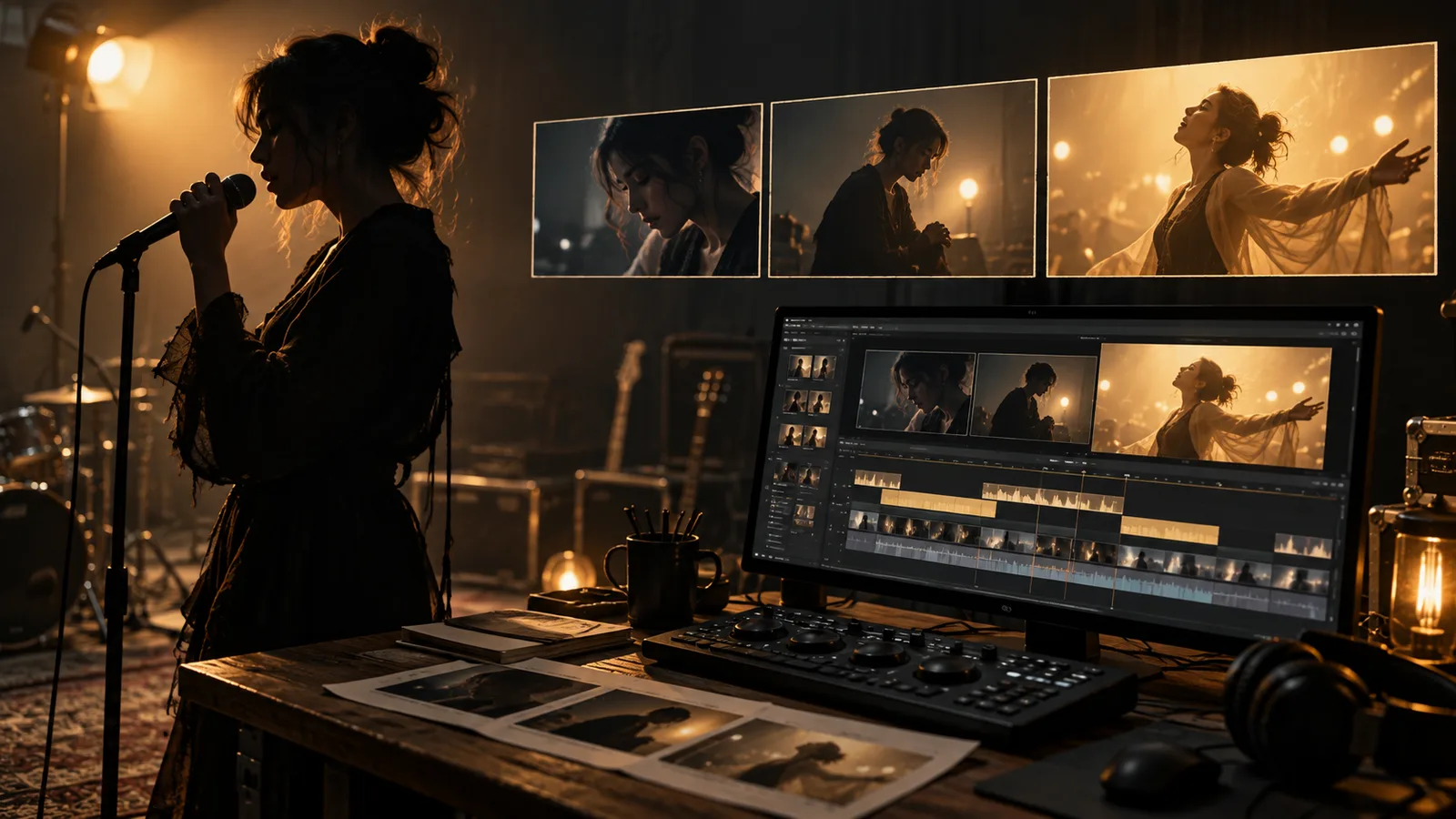
A useful AI music video prompt describes a shot's subject, action, camera movement and visual mood. A useful music video makes those shots serve the song. Start by mapping musical sections, choose a repeated visual idea, and generate individual shots that you can assemble against the actual track.
Use the following exercise for a song about leaving a familiar city. Change the locations, wardrobe and musical genre to suit your track while keeping the planning method: one recurring visual idea, a changing emotional arc and shots with a clear purpose.
Use music you have permission to publish. Listen once for the story and again for changes in energy. Mark the intro, verses, chorus, bridge and ending in your editing timeline. Add notes where a vocal line, instrument or pause changes the feeling.
Give each section a visual job. A verse can introduce someone waiting to leave. The chorus can reveal the journey. The bridge can interrupt that forward movement. Repeating a place or prop lets the viewer recognize the same story across different generated shots.
For this example, the repeating prop is a folded paper map. The character has a blue jacket, a canvas bag and a consistent hairstyle. The visual rule is simple: warm interior light belongs to home; cool exterior light belongs to the journey. These are creative choices, not model settings.
Do not illustrate every lyric literally. When several lines express reluctance, progress from holding the map to packing it and then looking back through a window. Write the video's story in one sentence: a traveler moves from hesitation to departure. Each new shot should change that sentence a little.
A repeated chorus does not need the same shots. In the first chorus, the traveler can approach the station; in the last chorus, they can already be moving through the landscape. Repetition in the music becomes progression in the story.
For a second verse, use reflections and an empty chair to suggest what is being left behind. Return to the map in the bridge, but make its role different: it was a decision at the kitchen table and is now a companion on the train. This keeps a modest collection of locations useful across the song.
Write down what must be visible in each shot before generating anything. A practical plan for the example is:
| Song section | Visual task | Planned shot |
|---|---|---|
| Intro | Establish the place | Empty station before sunrise |
| Verse | Introduce hesitation | Traveler folds the map at a kitchen table |
| Chorus | Release that tension | Traveler walks into the open station |
| Bridge | Change the pace | Close view of the map held still |
| Ending | Resolve the journey | The same map rests beside a train window |
Decide your final aspect ratio before preparing references. Keep the main subject away from edges if you expect to make a second crop. Plan enough visual variety to cut between a place, a person and a meaningful detail; repeated wide shots can make an entire song feel distant.
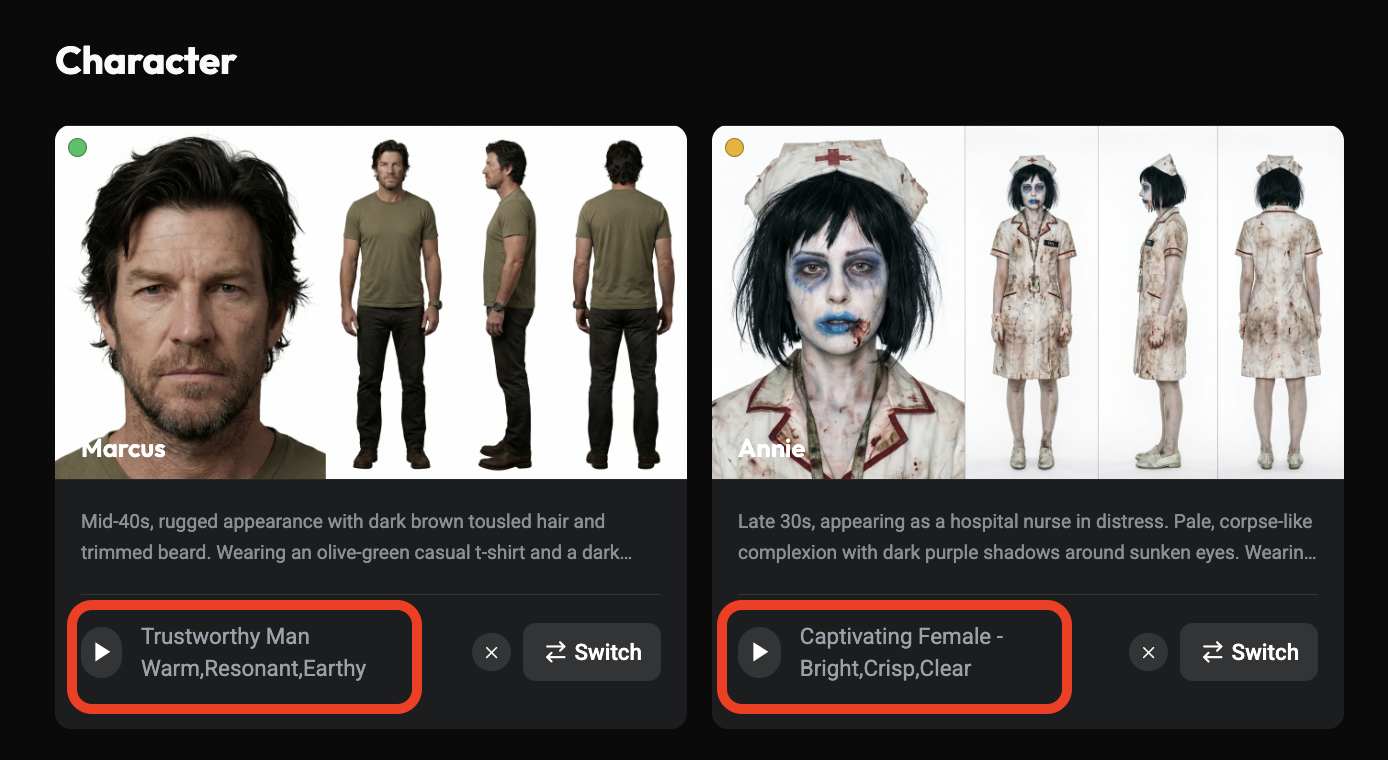
Use this structure: subject and location, visible action, framing and camera movement, lighting and texture, then what must remain consistent. Add sound instructions only when the selected mode supports them and you need generated sound. Your licensed music track can remain the editorial timing reference.
Medium shot inside a small kitchen before dawn. A traveler in a blue jacket folds a paper map once and places it beside a canvas bag. The camera stays still at table height. Warm light from a single lamp, subdued colors, realistic fabric texture. Keep the jacket, hairstyle and bag unchanged throughout the shot.
The action gives the verse something readable without forcing constant movement. If folding produces confusing hands, simplify the event: begin with the map already folded and ask the traveler to rest one hand beside it.
Wide shot of the same traveler entering a nearly empty railway station at first light. The blue jacket and canvas bag match the approved reference. The camera tracks sideways as the traveler crosses the frame. Cool morning light, clear silhouettes, restrained cinematic color. End with the traveler facing the platform.
The wider framing changes the visual energy. Trim the generated clip against the song in your editor so the cut lands on the intended beat.
Fixed wide shot of a railway station before opening. A single row of lights glows beneath the glass roof. An empty bench extends toward the right edge of the frame, with a trace of morning haze in the distance. Keep the platform quiet and still. Cool dawn light contrasts gently with the warm lamps.
Use this image to establish mood and leave a clean area for a title in the edit. Keep generated lettering out of the task when you need accurate typography.
Close view of a folded paper map held beside a train window. Reflections pass softly across the glass while the hands remain still. Fixed camera, shallow background detail, pale morning light. Focus on the paper texture and the quiet pause before arrival.
This shot can bridge two locations without demanding a complicated transformation. For another genre, change the setting, color and pace while keeping the shot's editorial purpose.
Make the verse and chorus shots first. Check whether the character, prop and visual language belong together. If reference input is available in your chosen Zopia mode, use an approved character image and explicitly describe its role. Use the reference controls shown in the interface rather than guessing attachment syntax.
Change one issue at a time. If clothing drifts, stabilize the reference and wardrobe description before adding another camera move. If a result has a strong opening but a weak ending, keep the usable portion and cut to a detail shot. A full-length music video can be built from short, readable events.
Collect a clear face and hairstyle image, a full-body wardrobe reference, and separate views of the kitchen and station. Fix the jacket color, the way the bag is worn and the map's appearance before making adjacent shots. Use the input types and consumption shown in your selected mode.
Every asset does not belong in every shot. A hand insert needs sleeve, map and table detail. A station wide shot needs silhouette, clothing and architecture. Match the material to the current visual problem so a warm kitchen background does not accidentally shape the platform scene.
For an electronic track, the verse can use still compositions and strong geometry while the chorus introduces lateral movement and more pronounced lighting contrast. For a folk arrangement, let actions breathe and place cuts around the ends of musical phrases. The same traveler story can support either approach.
Change shot duration, action and framing before changing adjectives. Replacing “gentle” with “explosive” leaves the actual image vague. Try “the traveler moves from standing still to walking briskly,” “cut from a tight view to an open platform,” or “shift from soft contrast to a clear silhouette.” These describe something the viewer can see.
In the first pass, arrange still references against the track to test the story. In the second, generate the main verse and chorus shots to establish continuity. In the third, fill genuine gaps with the station, map and window details. Finish with typography, color and sound decisions.
If a transition feels missing, try a different view of an existing location before adding a new one. If the chorus feels weak, check whether the verse already used all your visual intensity. A new generation should answer a specific editorial need.
When every shot feels equally intense, reserve the widest or most active images for the chorus. When movement looks disconnected from the song, place cuts at meaningful musical changes and vary shot duration. When a singer's mouth does not match the recording, use non-performance imagery or a dedicated lip-sync workflow, then align the performance with the final song recording.
Avoid generating readable titles into complex moving scenes. Add lyrics, credits and typography in the edit, where spelling and timing are directly controllable. Watch the full sequence with sound, then without it: the first pass checks musical rhythm; the second reveals missing visual continuity.
The AIGC ASIA official song and music video《让千年正年轻》offers a project to explore alongside your own practice. A September 20 report identifies 韦优 Excellent as its creator and describes image creation with Zopia and its AI director.
Start with one verse and one chorus in Zopia. Prepare your track map, character reference and shot list first, then use the models and controls available in your account to make a sequence you can evaluate in context.
No. Use phrases, section changes and emotion to choose cuts, with different visual density across verses, choruses and bridges.
Yes. Character action, locations, props and story can carry the song. On-screen singing is an optional creative choice.
Map the song and assign visual tasks first. Then build a shot list so each clip has a purpose and a consistent visual direction.
Start creating professional AI videos with Zopia
Get Started Free