Zopia × SVAiFF
2026 Los Angeles–Silicon Valley AI Film Festival
Create with AI. Be seen by the world.
Submission deadline ·
200 Zopia Universal Credits + 800 Vidu Credits
Credit eligibility and redemption follow the campaign terms.
View eventZopia × SVAiFF
Create with AI. Be seen by the world.
Submission deadline ·
200 Zopia Universal Credits + 800 Vidu Credits
Credit eligibility and redemption follow the campaign terms.
View event
Zopia × YFCon
Zopia at YFCon 2026: connecting with creators and industry partners through AI creation.
Zopia exhibitor · Ended · 2026.10.08–10.09
Anaheim Convention Center · Hall A
Booth B14
Zopia × AIGC ASIA
Celebrate Eastern culture with AI and share new cultural visions with the world.
Gold awards in two tracks, ¥20,000 each
Register and receive 1,000 credits
Sep 1–Oct 11
More creative possibilities, more rewards
Create without limits · Earn without limits
Platform challenges
Create with AI. Share your boundless imagination.
Great ideas deserve to be seen
CREATORS
MAKE A BRIGHTER WORLD
Platform challenges
Invite friends to top up and earn cashback rewards.
Create together, grow together
TOGETHER
WE CREATE MORE
Creator partnerships
Invite friends or apply as an affiliate and earn rewards.
Connect with creators. Grow together.
CREATE TOGETHER
GROW TOGETHER
Turn a small story into a short film by planning its visual beats, preparing references, generating shots and making deliberate editing decisions.
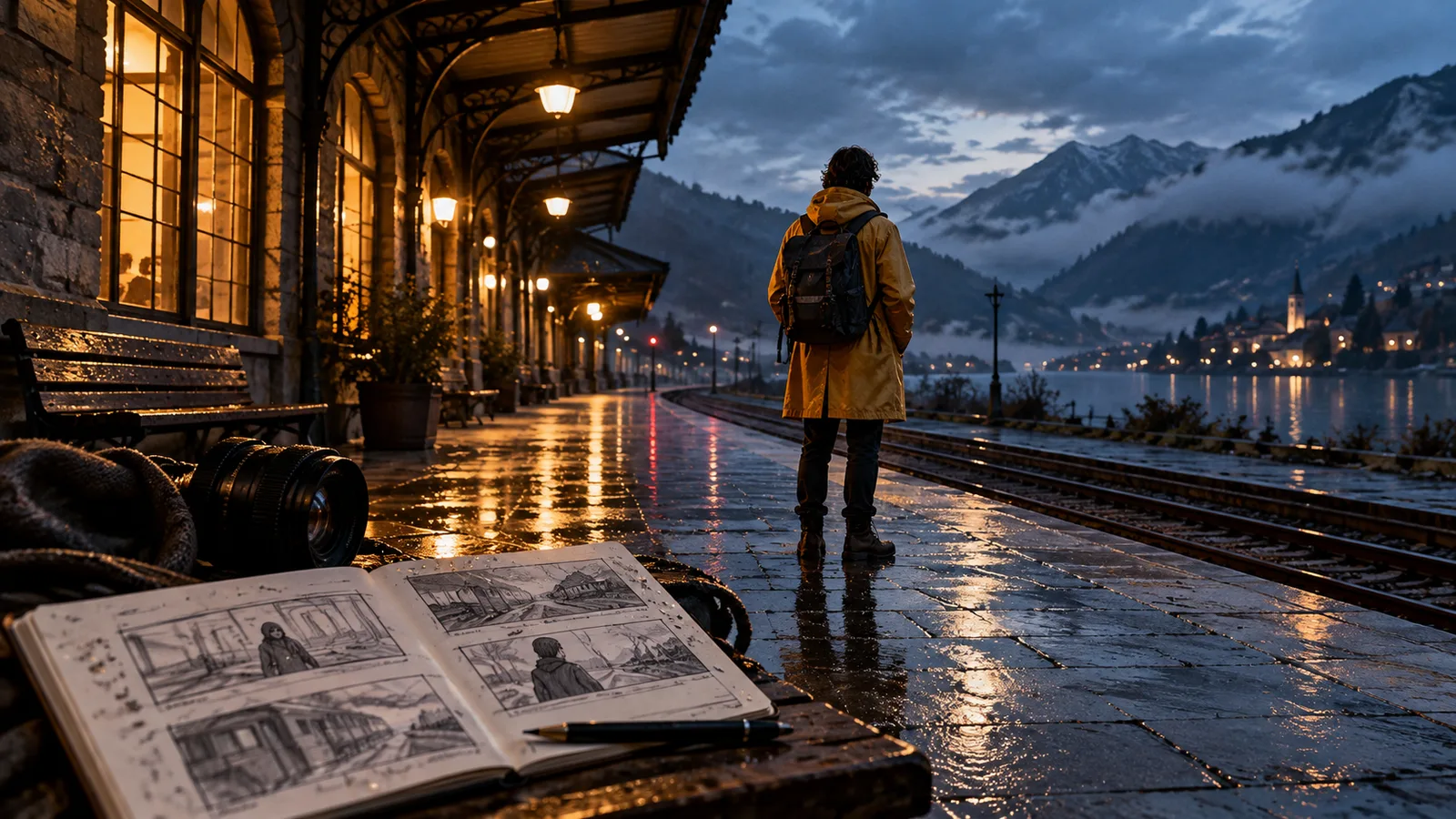
To make an AI short film, write a story that can be understood through a small number of visual moments, plan those moments as shots, prepare consistent reference images and generate the clips separately. Editing, sound and review turn the clips into a film. A collection of attractive generations becomes a story only when the shots establish a meaningful sequence.
Our original story example, The Last Repair, follows Mira, a watchmaker who discovers her childhood photograph inside a stranger's broken watch. The emotional question is whether she will keep avoiding the past or walk toward the person who brought it back.
Write the final image first: Mira stands in the doorway, holding the photograph, as the stranger waits outside. Work backward to the information an audience needs to understand her decision.
The premise needs a beginning, a discovery and a choice. You might show Mira refusing distractions at her workbench, recognizing the photo and finally deciding to confront the visitor. A larger mythology about time travel can wait. Every added location or character creates another continuity problem to solve.
Decide the viewing format, intended audience and distribution requirements before generating. If you intend to submit to a festival, consult that event's current rules rather than assuming every AI-assisted project meets its conditions.
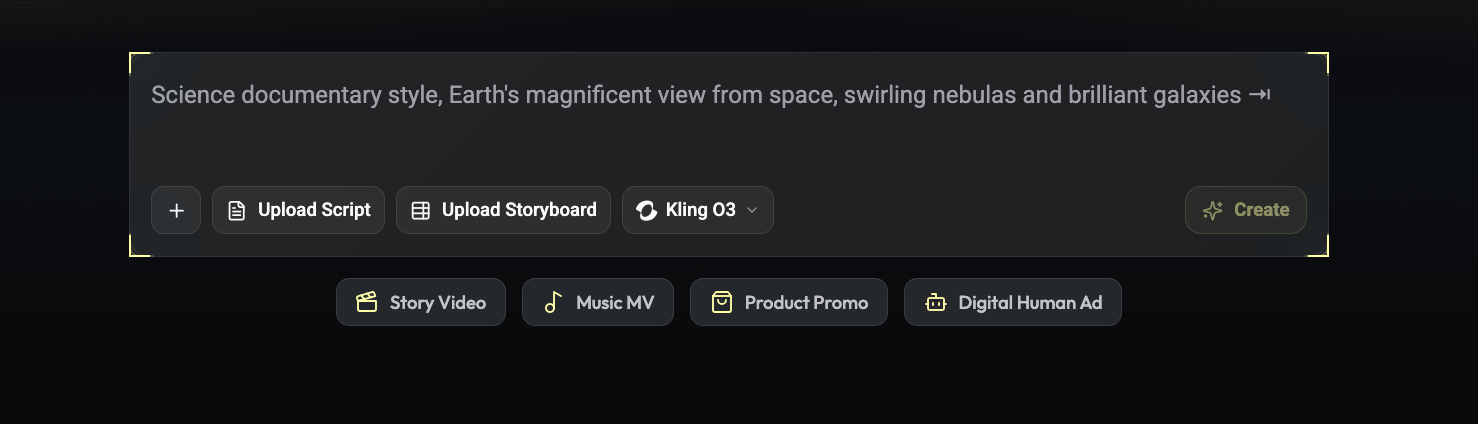
Separate your script into beats, then assign a shot to each necessary piece of information. Include establishing views, actions, reactions and inserts only where they help the story.
For this exercise, the essential sequence is the shop, the watch, the hidden photograph, Mira's reaction and the doorway. The photograph needs to be readable enough to justify the reaction. A shot of the street may be beautiful but unnecessary if it adds no relevant information.
Adobe's storyboarding overview explains the role of panels in planning a sequence. Your panels can begin as simple sketches. Their job here is to settle composition and sequence before you invest in polished frames.
Create a small visual pack: Mira in her work clothes, the watch, a workbench layout and the shop doorway. Keep a written note of fixed details such as the apron color and which side of the room contains the door.
Use references you are entitled to use. If a real person's likeness is involved, address permission before generation. Choose readable images rather than treating elaborate lighting as a substitute for clear identity.
Runway's image reference guide provides an example of carrying visual characteristics into a new scene. Prepare the character and setting, then attach those inputs using your chosen model's supported reference controls.
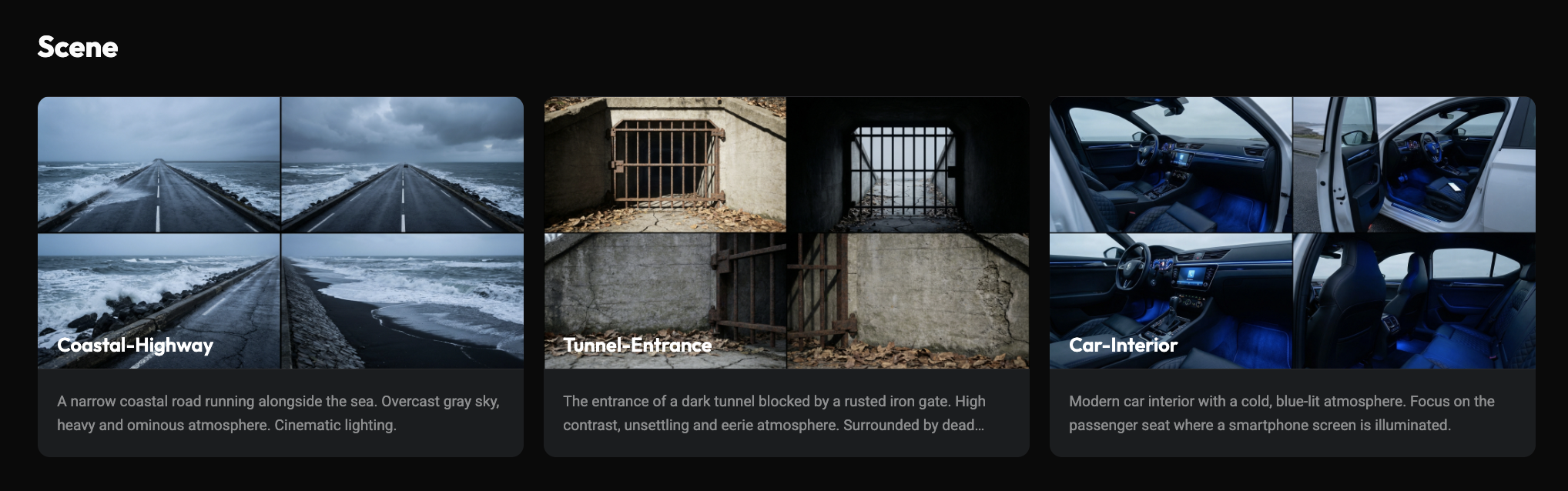
Before adding motion, ask whether the image already supports the intended action. Mira needs room to lower her gaze; the workbench should be visible if the next shot reveals the watch. A face-only portrait is a weak starting point for a complex hand action.
Original frame prompt, for adaptation to your image model:
Medium shot inside a small watch repair shop. Mira, the fictional watchmaker
from the supplied character reference, stands behind a wooden workbench
wearing a navy work apron. An open pocket watch rests beneath a warm desk
lamp. Her gaze is directed toward the watch. The doorway is visible on the
left side of the background. Restrained naturalistic lighting.
Attach the character reference through the selected tool's reference controls. The prompt then establishes how that character fits into the composition.
For the discovery, begin with a simple motion prompt:
The watchmaker pauses above the workbench and slowly looks up toward the door.
Her shoulders become still. The camera remains locked in a medium shot.
Try the simplest version before adding atmospheric motion or a camera move. Runway's video prompting guide and Google's Veo prompt guide provide approaches to action, framing and camera behavior for their respective models.
Choose a model by the input and action you need, then inspect the result. A readable expression, a stable prop and a useful edit point matter more to this scene than a spectacular camera move.
Assemble a rough cut while some shots are still provisional. Put the photograph before the reaction so the audience can connect cause and response. Let the doorway shot answer where Mira is looking.
Add temporary sound early. A clock tick or a door latch may communicate a transition without another generated shot. Dialogue should advance the situation; it need not describe every visible action. Use licensed music and sound assets or material you are entitled to use.
If the story is unclear, change the edit before remaking every image. If the clue itself is unreadable, fix the insert. These are different problems and need different solutions.
A standalone short needs to complete its immediate emotional movement. Mira may still have questions about the visitor's identity, but she should make a choice the audience can see: she puts down her tools, holds the photograph and approaches the doorway. That answers the opening behavior of avoiding the past.
Write a private theme sentence to guide decisions: “She is willing to face a loss she has kept at a distance.” It need not become dialogue. A shot of the repair tools can support her habit of hiding in work; an unrelated city aerial may add little. Let this sentence help you choose what the film needs.
Ask where each generated clip will connect. If Mira moves toward screen right and appears moving left in the next shot, a viewer may read a change of direction. You can revise the composition, use a neutral frontal view or insert the photograph to establish a new angle.
For the ending, try an action-focused prompt:
The watchmaker sets the screwdriver on the workbench, holds the photograph
against her apron, and turns her body toward the doorway. A locked medium
shot keeps her face and the doorway visible.
Check that the starting frame supports the actions. If the sequence is crowded, separate putting down the tool from turning toward the door. Keep the story action and remove decorative movement first. The edit can connect simple, readable moments.
Clock ticks establish the shop's routine. A latch introduces someone outside the frame. When Mira sees the photograph, reducing the music briefly can let a paper movement or a breath register.
Place temporary sound in the rough cut before deciding every shot length. Dialogue needs time to be heard; a reaction needs time to be understood. Subtitles also occupy visual space, so keep important text away from the photograph and the actor's face. Revisit placement when preparing a different aspect ratio.
The audience does not recognize the clue. Fix the insert or establish the relationship with a natural line of dialogue. A longer puzzled expression will not supply missing information.
The final decision feels sudden. Give Mira an earlier hesitation or an attempt to hide the photograph, then let the last action answer it.
The film feels like unrelated clips. Reorder around what is seen, how it is understood and what the character does next. Remove repeated shots that do the same job.
An action does not join cleanly. Cut on a stable moment before or after it, or use a relevant detail shot to bridge the transition.
Review the cut for visual continuity, audio intelligibility, subtitle placement and whether the ending resolves the intended question. Watch it once without sound and once listening mainly to the soundtrack. These passes can expose information carried by only one channel.
Keep a clean master and prepare the format required by your destination. Include credits and AI-use disclosures when applicable to the release or event. Verify permissions for music, images, performances and reference assets.
You can organize the project's characters, scenes, storyboards and timeline in the Zopia workspace, alongside AI generation. Start with a coherent first scene, identify its inputs, then expand the film.
Plan framing, action and connections before generating finished shots. Early boards can be simple as long as the visual sequence is clear.
Check the character goal, causal actions and shot order. Identify missing information before generating more visuals.
Use temporary music during the rough cut, but first make sure the story reads clearly. Then refine music cues, dialogue and ambience.
Start creating professional AI videos with Zopia
Get Started Free