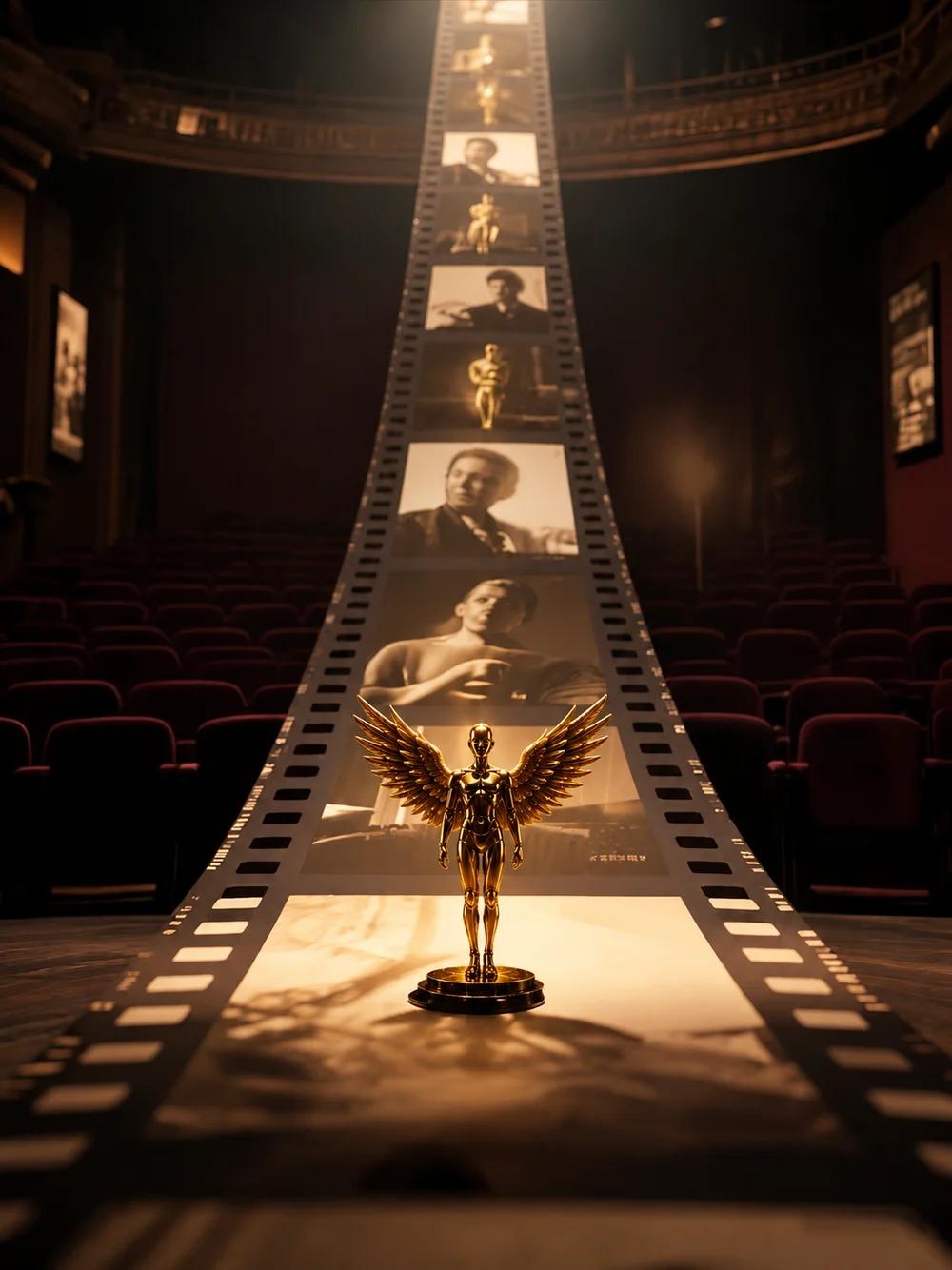
Zopia × SVAiFF
2026 Los Angeles–Silicon Valley AI Film Festival
Create with AI. Be seen by the world.
Submission deadline ·
200 Zopia Universal Credits + 800 Vidu Credits
Credit eligibility and redemption follow the campaign terms.
View eventZopia × SVAiFF
Create with AI. Be seen by the world.
Submission deadline ·
200 Zopia Universal Credits + 800 Vidu Credits
Credit eligibility and redemption follow the campaign terms.
View event
Zopia × YFCon
Zopia at YFCon 2026: connecting with creators and industry partners through AI creation.
Zopia exhibitor · Ended · 2026.10.08–10.09
Anaheim Convention Center · Hall A
Booth B14

Zopia × AIGC ASIA
Celebrate Eastern culture with AI and share new cultural visions with the world.
Gold awards in two tracks, ¥20,000 each
Register and receive 1,000 credits
Sep 1–Oct 11
More creative possibilities, more rewards
Create without limits · Earn without limits
Platform challenges
Create with AI. Share your boundless imagination.
Great ideas deserve to be seen
CREATORS
MAKE A BRIGHTER WORLD
Platform challenges
Invite friends to top up and earn cashback rewards.
Create together, grow together
TOGETHER
WE CREATE MORE
Creator partnerships
Invite friends or apply as an affiliate and earn rewards.
Connect with creators. Grow together.
CREATE TOGETHER
GROW TOGETHER
Revisit Zopia’s booth B14 at YFCon 2026 in Anaheim, then plan your next commerce video around a clear product benefit, opening hook and shot sequence.

Zopia joined YFCon 2026 on October 8–9 at Anaheim Convention Center, Hall A, Booth B14. The event brought a practical question into focus for us: once you have a creative idea, how do you turn it into shots that work together as a complete piece of content?
That question continues after the exhibition. A commerce video needs to attract attention and communicate something useful. With more ways to create images and footage, a clear plan becomes valuable: what should each shot show, which product details must remain accurate and what should the viewer remember?
This recap offers a starting point for your next project, from a simple brief through references, shot planning and purposeful variations.
| Detail | Information |
|---|---|
| Zopia’s event dates | October 8–9, 2026 |
| Venue | Anaheim Convention Center |
| Hall | A |
| Booth | B14 |
| Current event status | The exhibition dates have passed |
If YFCon introduced you to Zopia, you can continue exploring the current creation workflow on our website. Check the relevant activity page for the terms of any event registration offer, and follow new announcements for future dates.

Before choosing a visual style, write down something the audience genuinely wants to know. What fits inside this bag? How would this lamp look on a desk? What does using this product involve?
A concrete question helps you choose a scene and an action. “Make a premium advertisement” leaves much more unresolved. It may produce an attractive atmosphere without explaining the detail the audience needs.
For the exercise below, imagine planning a short video for a daily commuter bag. The audience carries a laptop and a few personal items. The visual task is to connect preparation, storage and leaving the house. That gives the sequence a purpose before any image is generated.
A useful brief can be one paragraph. Identify the audience, the product fact, the viewing context and the message to remember.
For our exercise, the brief might be: introduce a commuter bag to people preparing for work, show an organised tabletop and a straightforward departure, then finish with the product name and a route to learn more.
Next, list the details that need to remain stable: silhouette, colour, handles, fastenings, logo placement and important size relationships. If the film demonstrates capacity, prepare accurate product-and-item references before deciding how to show it.
A brief can change as the project develops. When it does, record the reason. Has the audience changed, or is another product detail more important? That keeps creative discussion connected to the task instead of accumulating incompatible requests.
| Shot | Job | Visual focus |
|---|---|---|
| Opening | Establish the preparation moment | A desk and everyday objects |
| Product introduction | Make the item recognisable | A clear silhouette and appearance |
| Use or detail | Answer the viewer’s question | One readable action |
| Situation change | Connect the product with daily life | Picking it up and preparing to leave |
| Closing | Leave a clear memory | Product and concise information |
The table distributes information. The opening does not need to explain every feature. A detail shot does not need to show the whole room. Giving each section a job makes it easier to decide what belongs in the edit.
Choose the production method after defining the shot. Generation can help explore a space, lighting or visual direction. An exact product close-up, readable label or precise demonstration may need a different source or a more controlled approach.
Collect clear front, side and detail views. Make the colour, shape and important features easy to distinguish. Select a main reference so the project uses one consistent description of the item.
When an output changes a fastening or handle, return to the reference and the shot’s job. Background atmosphere can be adjusted later. Product appearance carries the recognition task, and a small change can matter to the viewer.
Keep the action simple at first. Showing an item resting on a desk and then being picked up is easier to evaluate than opening it, inserting several objects and turning quickly in one continuous movement.
A complex demonstration can be divided into separate shots. This helps the audience see the steps while giving you more control over the material used in each one.
 Watch full video ↗
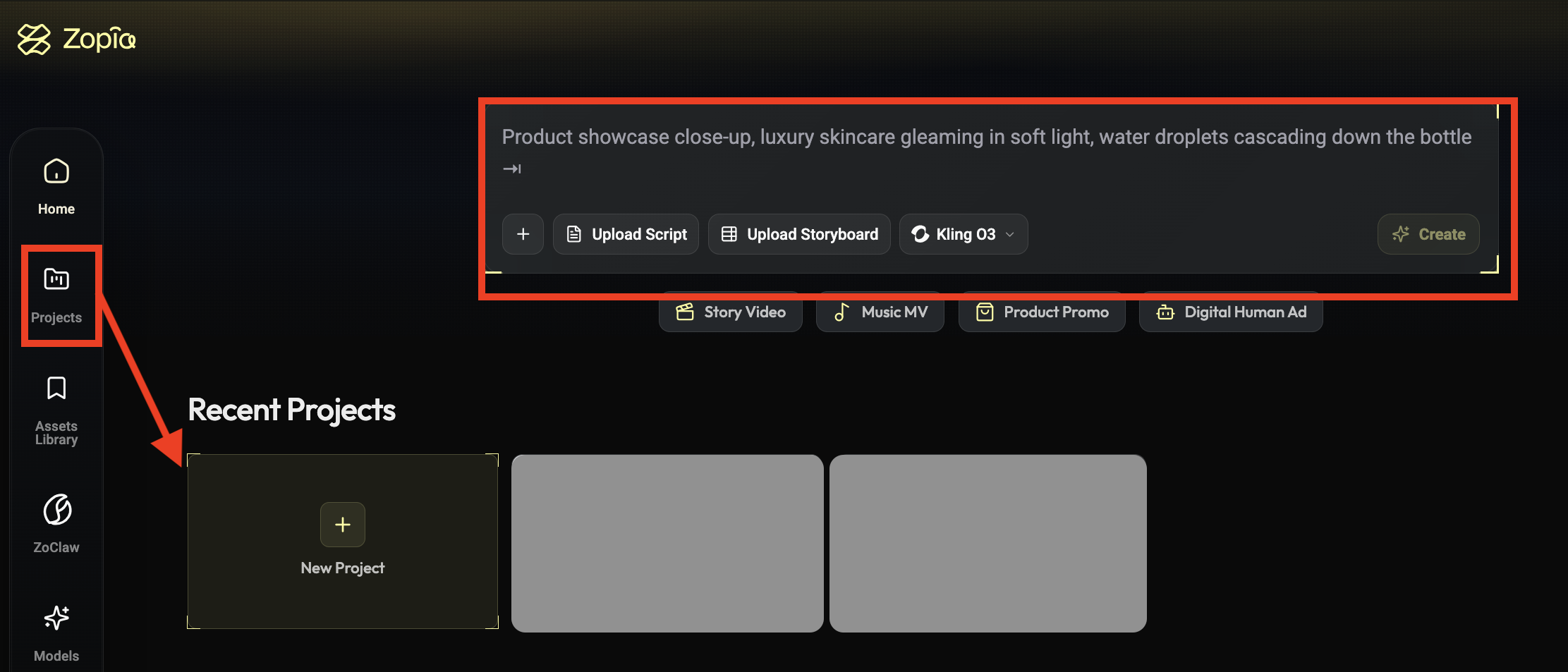
A shot prompt can follow subject, setting, action, camera and light. For the commuter-bag exercise, start with a single visual task:
A dark commuter bag rests on a tidy wooden desk beside a notebook and a pair of headphones. Preserve its appearance from the permitted product reference. A hand moves gently out of frame, leaving the bag clearly visible at the centre. Eye-level medium close-up, locked camera, soft morning light, simple background.
The point is a readable product and situation. If you need to demonstrate internal structure or capacity, prepare the appropriate references or footage for that task.
After generating, ask whether the subject is clear, the appearance matches and the action does what the shot requires. Change one important issue at a time. That makes it easier to understand which revision helped.
Individual clips become a video through their relationships. If the first shot establishes a desk from one direction, the next should help the viewer understand where the product and person are.
Use a repeated object, an action or a sound to connect shots. A hand reaching towards the bag can lead into a closer view; the sound of a door can prepare a move from the desk to departure.
You do not need a dramatic transition every time. A straightforward cut can be more useful when the viewer is trying to understand a feature. Save a stronger visual change for a moment where it supports the message.
Watch the rough sequence without music. If the basic action is unclear, sound and effects may only hide the problem. Adjust shot length, order or framing first.
Once you have a complete sequence, develop alternatives around an identified question. One opening might begin with a cluttered preparation moment; another might introduce the product immediately. Keep the remaining message close enough that you can understand the creative difference.
Write the question before making the versions. After release, use actual audience and conversion information to assess the result. A version that looks more polished to the production team may not be the one that explains the product best.
Changing format needs thought as well. Vertical and horizontal videos can require different subject placement, text space and movement. Decide the main viewing context early so a late crop does not remove the detail you wanted to communicate.
Bring the brief, product references, character information and shot plan into one project. Give selected outputs a short reason: this introduces the situation, this explains the detail, this resolves the sequence.
That context helps a collaborator understand more than a folder of clips would. It also helps you return later and see which decisions are already working.
If one shot keeps causing problems, revisit the requirement. Does it need a complicated movement? Could the action and reaction be separated? Could a simpler composition communicate the same fact? The task can stay constant while the method changes.
From YFCon to your next production, that is the process we want to make more practical: an idea becomes a brief, the brief becomes references and shots, and the shots become something you can revise deliberately.
Visit Zopia with a focused brief and accurate references to begin your next project. For future appearances and activities, follow our current announcements.
The event took place October 8–9 at Anaheim Convention Center, Hall A. Zopia’s booth was B14.
Prepare product references, one central benefit, a use case and an aspect ratio, then outline an opening hook and three to five shots.
Past exhibition offers have their own terms. Check Zopia’s current campaign pages for available creator programs.
Start creating professional AI videos with Zopia
Get Started Free