Zopia × SVAiFF
2026 Los Angeles–Silicon Valley AI Film Festival
Create with AI. Be seen by the world.
Submission deadline ·
200 Zopia Universal Credits + 800 Vidu Credits
Credit eligibility and redemption follow the campaign terms.
View eventZopia × SVAiFF
Create with AI. Be seen by the world.
Submission deadline ·
200 Zopia Universal Credits + 800 Vidu Credits
Credit eligibility and redemption follow the campaign terms.
View event
Zopia × YFCon
Zopia at YFCon 2026: connecting with creators and industry partners through AI creation.
Zopia exhibitor · Ended · 2026.10.08–10.09
Anaheim Convention Center · Hall A
Booth B14

Zopia × AIGC ASIA
Celebrate Eastern culture with AI and share new cultural visions with the world.
Gold awards in two tracks, ¥20,000 each
Register and receive 1,000 credits
Sep 1–Oct 11
More creative possibilities, more rewards
Create without limits · Earn without limits
Platform challenges
Create with AI. Share your boundless imagination.
Great ideas deserve to be seen
CREATORS
MAKE A BRIGHTER WORLD
Platform challenges
Invite friends to top up and earn cashback rewards.
Create together, grow together
TOGETHER
WE CREATE MORE
Creator partnerships
Invite friends or apply as an affiliate and earn rewards.
Connect with creators. Grow together.
CREATE TOGETHER
GROW TOGETHER
Make your first AI drama with one character, one goal and one reversal. Plan five shots, prepare references, generate clips and finish the sound and edit.
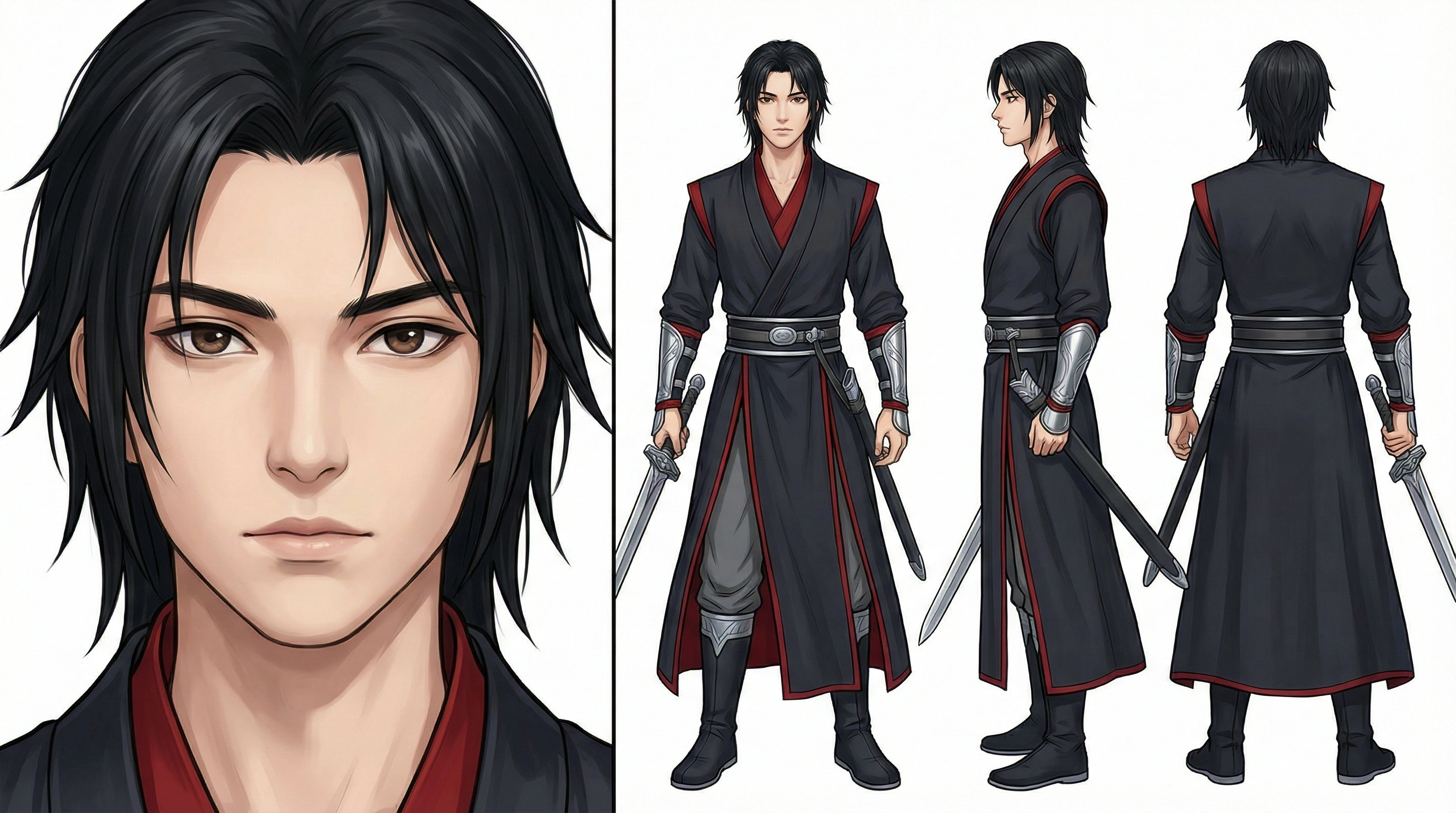
For your first AI drama, start with one character, one clear goal and one reversal. Write actions the audience can see, prepare a consistent character reference, then generate three to five shots separately. Use sound and editing to connect them into a story.
Try this exercise: Lin brings a repaired pocket watch back to her father's old workshop. She plans to leave it on his desk, but discovers a letter saying, “Waiting for you to come home.” One person, one location and two important props give you enough material to practice storytelling without managing a crowded scene.
“Someone understands their father's love” is a theme. A camera needs events: Lin pauses at the door, puts down the watch, notices an envelope and reacts to the letter. Make the emotional change visible before deciding how much dialogue you need.
Build the outline in three sentences. Lin wants to return the watch. A letter interrupts that task. She puts the letter away and carefully straightens the watch on the desk. The closing action now means something different from the opening one.
Use this script prompt as a starting point:
Turn this idea into a beginner AI drama scene: Lin returns a repaired pocket watch to her father's old workshop and finds a letter left for her. Use one character, one location and five shots. First identify the character's goal, the interruption and the final change. For each shot, describe visible action, framing, prop positions and sound. Keep dialogue to one necessary line. Avoid narration that explains every emotion, complicated flashbacks, fights and chases.
Revise abstract descriptions afterward. Replace “she remembers everything” with a fingertip stopping on a familiar scratch in the desk. Replace “she finally finds peace” with an exhale and a deliberate adjustment of the watch. Those details give you something to generate.
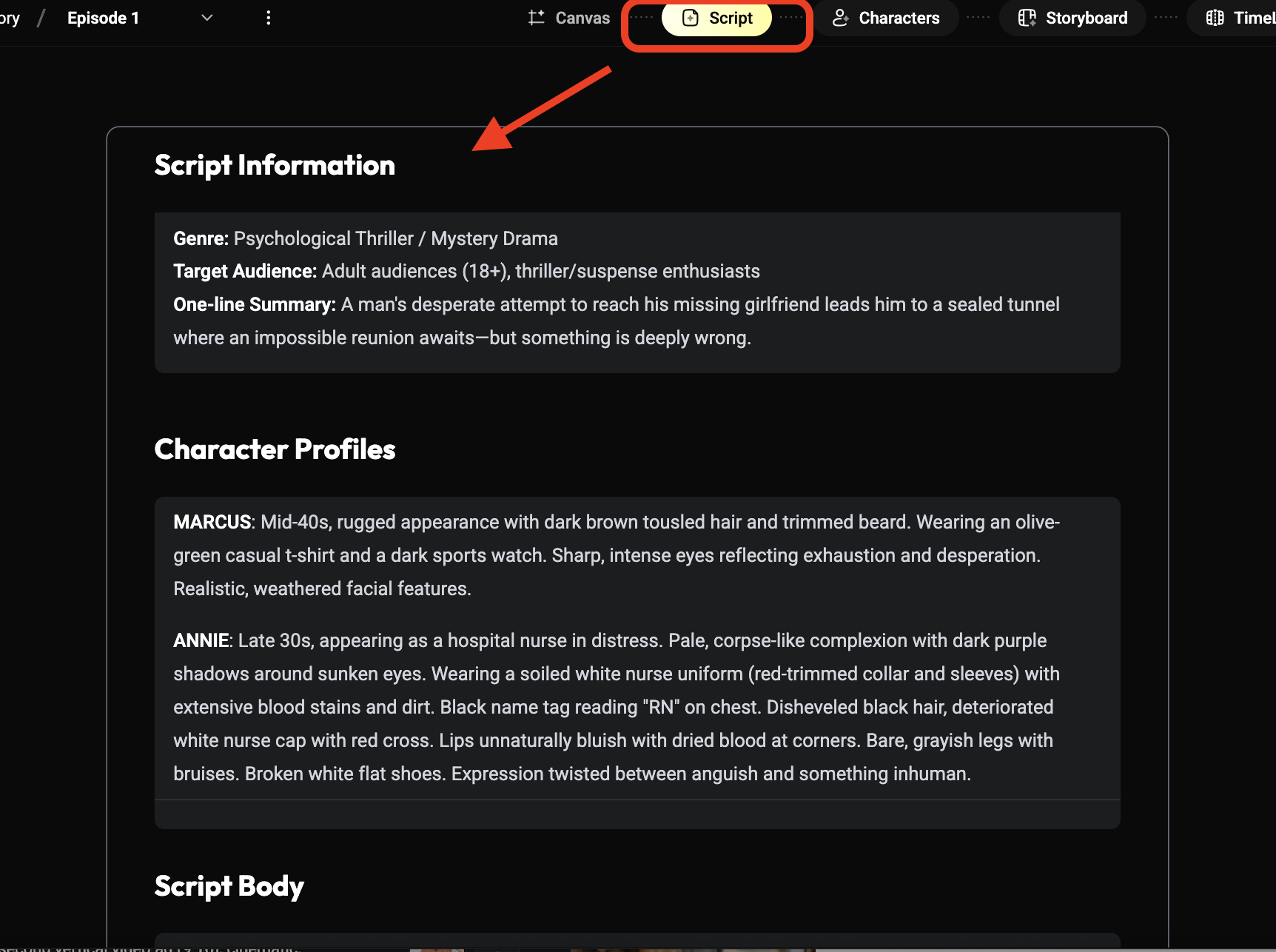
Give Lin a short appearance card: short hair, dark green jacket, cream shirt and canvas shoulder bag. Prepare a clear face reference and a full-body wardrobe image. Once approved, keep them; changing clothes because another image looks attractive can make the next shot feel like a different actor.
Describe the room as well: a wooden workbench beside a left-hand window, a door toward the back right, a pale scratch in the wood and an envelope at the center. The watch begins in Lin's hand and moves to the right of the envelope. These positions help the viewer follow the action.
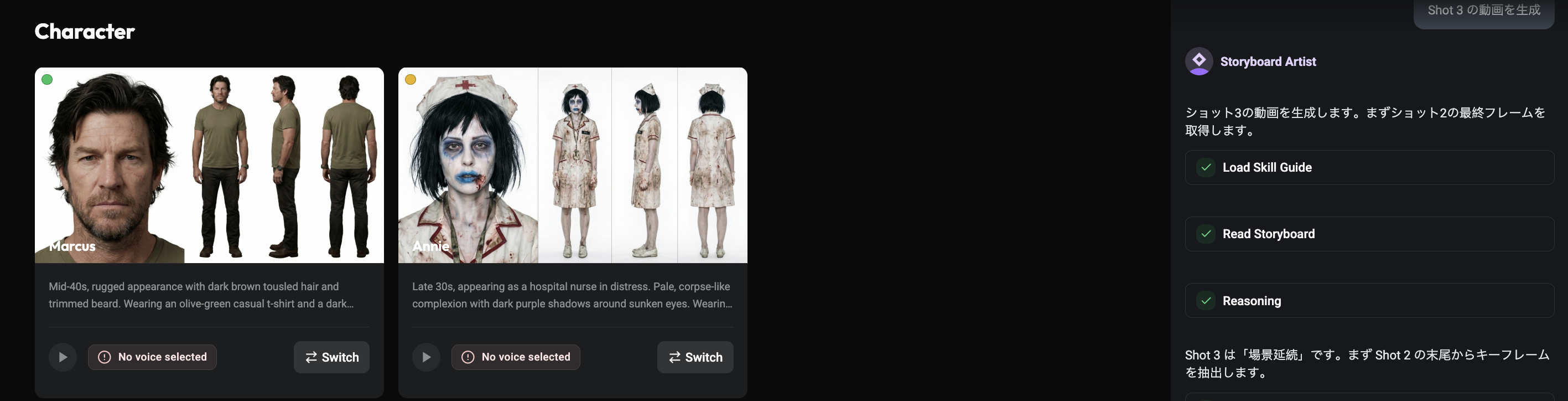
Use the model choices, supported inputs and consumption shown in Zopia's current task interface. Assign each reference a purpose: character appearance, room layout or prop design. Resolve conflicting wardrobe or lighting before asking a generation to use the material.
| Shot | Story purpose | Visible action | Sound and cutting point |
|---|---|---|---|
| One | Establish arrival | Lin holds the watch at the workshop door | Door sound; cut when she looks at the desk |
| Two | Establish the goal | Her hand places the watch on the desk | A quiet metallic contact |
| Three | Introduce the reversal | She notices the envelope and stops | Let the pause become audible |
| Four | Reveal the discovery | Close view of the letter | Paper sound; add precise lettering in the edit |
| Five | Complete the change | She keeps the letter and straightens the watch | Room tone and closing music |
Each shot should contribute new information. Once the reaction establishes the letter, another doorway view does not advance the discovery. A short list makes unnecessary images easier to recognize.
Add the letter's exact wording afterward. Generate a readable paper position and compose the message in the edit so the reversal does not depend on tiny generated lettering.
You do not have to generate in story order. Start with the watch being placed on the desk. That shot establishes the sleeve, table and prop relationship. Make the reaction next, then add arrival and ending views around those anchors.
For the watch placement, try:
Medium close shot of a wooden workbench. Lin, wearing a dark green jacket, gently places a closed pocket watch to the right of an envelope. Her hand withdraws and rests at the edge of the desk. Fixed camera, soft window light from the left, visible wood grain. Keep the sleeve, watch shape and envelope position consistent. Hold the clear tabletop after the movement ends.
For the reaction:
Medium close shot of Lin after setting down the watch. Her gaze settles on the envelope, she pauses and slowly raises her eyes. Fixed camera, natural window light, restrained expression. Preserve the short hairstyle, dark green jacket and cream shirt.
If contact between hand and watch becomes confusing, separate a hand approaching from a watch already resting on the desk. The edit can connect them. If the reaction feels weak, change gaze, pause or posture before requesting a more extreme expression.
Lay down quiet room ambience, then add a door hinge, the watch touching wood and the letter moving. A shared background helps separately generated views feel like one room. Keep small sounds subtle and reserve emphasis for the actions that matter.
One line can be enough: “I'm home.” It can sit over the ending as off-screen speech. If you need visible speaking, make and inspect that shot separately. Keep music below the important voice moment and let the pause around the discovery remain perceptible.
Assemble the five shots without explanatory captions first. Can a viewer tell what Lin brought, what she discovered and what changed? Repair missing information with the relevant shot instead of a long narration explaining the whole story.
Leave room before and after actions for natural cuts. Show the look toward the envelope before revealing the letter. Match neighboring shots for brightness and color temperature, and position captions away from hands and props.
Before export, choose the destination's aspect ratio and check whether the face, letter and watch survive the crop. Watch the full sequence for sound balance, subtitle readability and accidental black frames. A second format deserves a fresh composition check rather than an automatic centered crop.
If the character changes, align references, hair and wardrobe. If the room changes, stabilize the window, door and table relationship. If action becomes chaotic, reduce the movement and add an insert. If the story is unclear, check whether the goal and reversal actually appear on screen.
Keep what already works and revise one problem at a time. After this first film, you can explore additional characters or a continuing series in the AI short drama production workflow. For identity problems between shots, see the character consistency guide.
Bring your five-shot story to Zopia's workspace. Finish one clear change from beginning to end before expanding the project.
Begin with one person, one location and three to five shots, focusing on a clear goal, reversal and closing change.
Finish one understandable scene and let the action determine its length. Expand after the story works.
Yes. Organize its characters, locations and shot tasks, then prepare references and generate clips through the current workflow.
Start creating professional AI videos with Zopia
Get Started Free