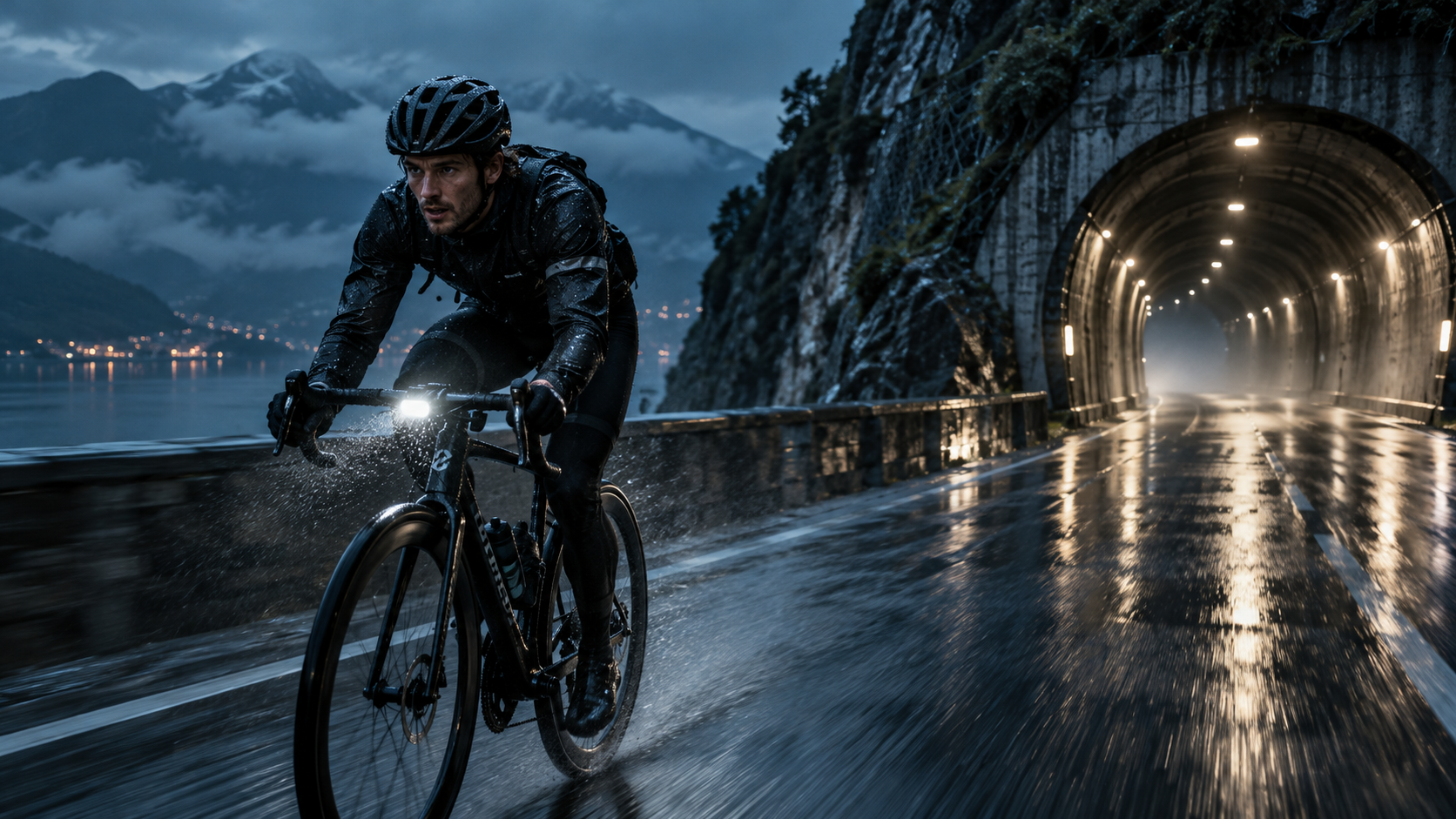
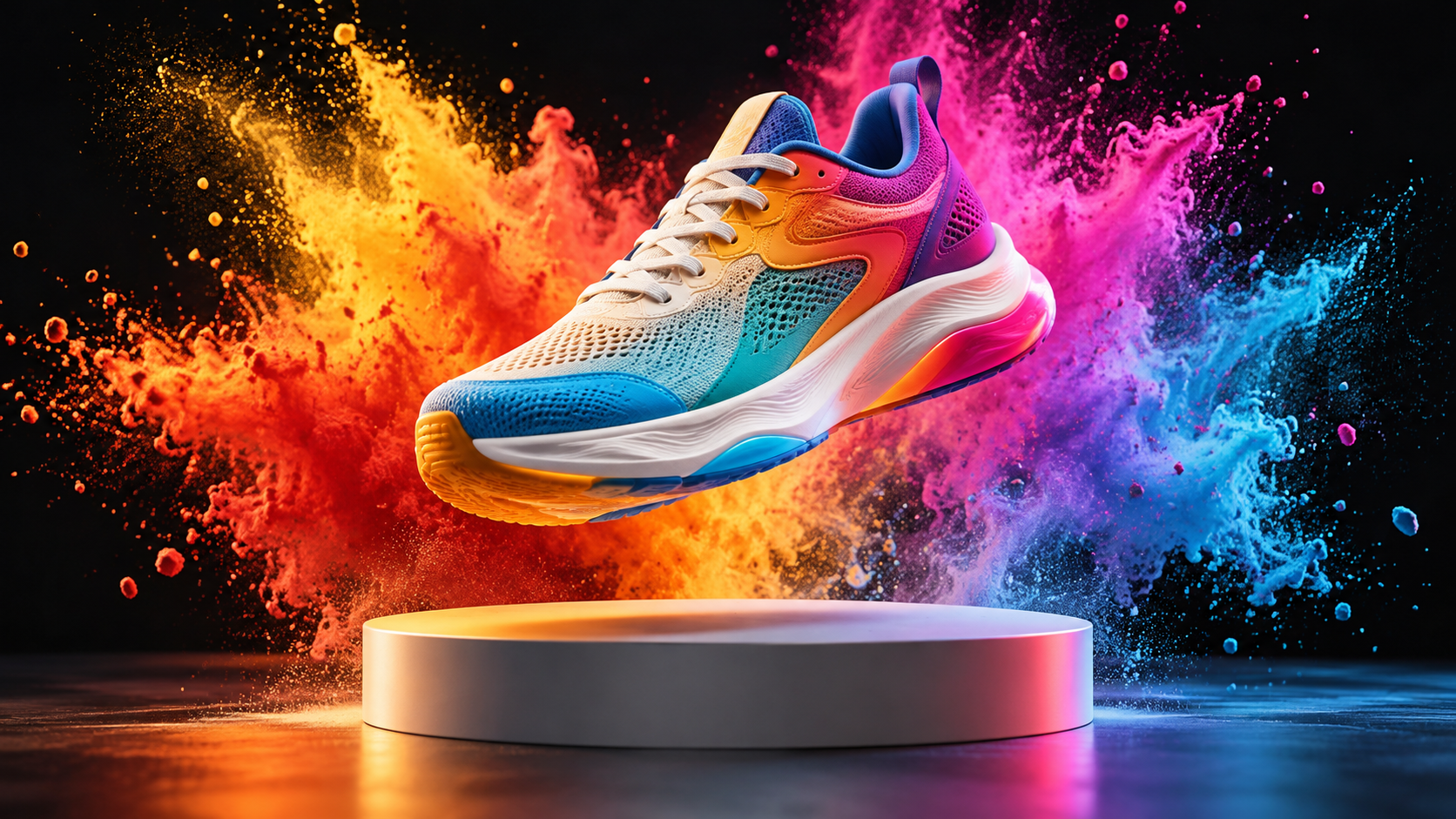
Build a complete Seedance 2.5 video in Zopia
Move from idea to generated clip in one workspace, with practical controls for references, scene beats, sound, and delivery format.
01
30-second AI video scenes
Plan an opening, a sequence of actions, and a clear ending in one prompt for a connected 4–30 second scene.
02
Image to video direction
Upload an image as the visual anchor, then describe the movement, camera path, lighting, and change you want to see.
03
AI video with audio
Add dialogue, ambience, music, or sound effects beside the visual beat where they should happen.
04
Reference-led consistency
Give each image, video, or audio reference a role so the generator knows what should define the subject, motion, rhythm, or setting.
05
Ready-to-use formats
Choose duration, resolution, and aspect ratio in the Generator, then create a version for social, product, music, or story content.