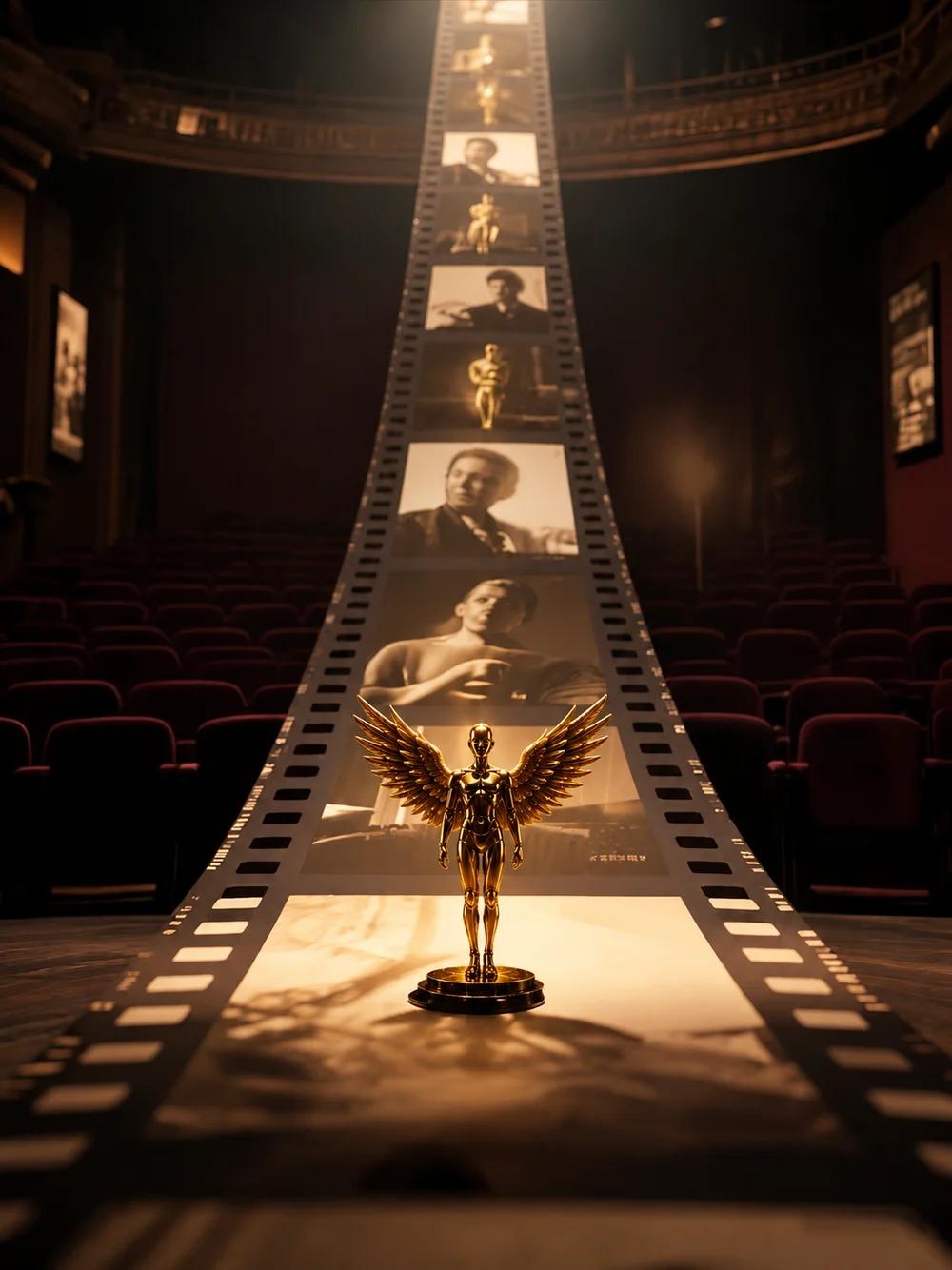
Zopia × SVAiFF
2026 Los Angeles–Silicon Valley AI Film Festival
Create with AI. Be seen by the world.
Submission deadline ·
200 Zopia Universal Credits + 800 Vidu Credits
Credit eligibility and redemption follow the campaign terms.
View eventZopia × SVAiFF
Create with AI. Be seen by the world.
Submission deadline ·
200 Zopia Universal Credits + 800 Vidu Credits
Credit eligibility and redemption follow the campaign terms.
View event
Zopia × YFCon
Zopia at YFCon 2026: connecting with creators and industry partners through AI creation.
Zopia exhibitor · Ended · 2026.10.08–10.09
Anaheim Convention Center · Hall A
Booth B14

Zopia × AIGC ASIA
Celebrate Eastern culture with AI and share new cultural visions with the world.
Gold awards in two tracks, ¥20,000 each
Register and receive 1,000 credits
Sep 1–Oct 11
More creative possibilities, more rewards
Create without limits · Earn without limits
Platform challenges
Create with AI. Share your boundless imagination.
Great ideas deserve to be seen
CREATORS
MAKE A BRIGHTER WORLD
Platform challenges
Invite friends to top up and earn cashback rewards.
Create together, grow together
TOGETHER
WE CREATE MORE
Creator partnerships
Invite friends or apply as an affiliate and earn rewards.
Connect with creators. Grow together.
CREATE TOGETHER
GROW TOGETHER
The next generation of Kling AI video
Turn imagination into a complete scene.
From a spark of inspiration to a story, from character references to camera direction. More room for storytelling and richer audiovisual detail give every creative choice a place on screen.
From idea to finished video
Kling 4.0 is Kuaishou’s AI video model, bringing text, images, video, and subject references into one creative workflow. Define a character’s appearance, reference movement and camera work, or plan key story moments to bring the result closer to what you imagine.
Long takes · Continuous storytelling
Generate up to 30 seconds in a single pass, with room for entrances, action, and emotional shifts. A product ad can move from setting the scene to detailed close-ups; a short film can capture a meeting, a pause, and a response.
Omni Reference · Character consistency
Combine up to 15 reference assets in one task, including images, videos, and subjects. Character sheets define appearance, storyboards establish the plot, and video conveys movement and pacing, all working toward the same creative intent.
Storyboard understanding · Keyframe control
Use up to 10 keyframes to specify character states, scene changes, and story beats. Beyond first and last frames, Kling 4.0 can interpret grids and storyboards to give the sequence a clear direction.
Native audio · Expressive performance
Dialogue, ambience, and sound effects are generated in sync with the picture, with two-channel stereo adding spatial depth. Lip movements, expressions, and gestures turn a street reunion into footsteps, greetings, and the sounds of everyday life.
Selected videos
From product ads to stylized animation, see how references and creative ideas become scenes.
Product advertising
Characters, products, and street settings come together in an ad that connects movement with product detail.
Stylized animation
From character design to storyboard, carry the clay texture, character identity, and visual style through the entire clip.
Video editing
An official element-removal example clears passersby from a street performance, bringing attention back to the band and setting.
Describe the subject, action, setting, and camera. A simple idea is enough to begin.
Add images as needed, then choose the aspect ratio, duration, and other settings in the generator.
Submit to enter the creative canvas, review the result, adjust your prompt, and keep developing your work.
Model capabilities announced by Kling AI.
| Creation modes | Text to video, image to video, first and last frames, Omni Reference, video editing |
|---|---|
| Duration | 3–30 seconds |
| References | Up to 15 assets total: at most 10 images, 5 videos, and 7 subjects, within the overall 15-asset limit |
| Reference video length | Up to 30 seconds total, including video subjects |
| Keyframes | Up to 10 images |
| Aspect ratios | 21:9, 16:9, 1:1, 9:16, and automatic |
| Audio | Two-channel stereo with dialogue, singing, sound effects, and ambience |
| Languages | Chinese, English, Japanese, Korean, Spanish, Portuguese, German, French, Hindi, and more |
Specifications and availability are subject to the latest official Kling announcements.
Kling 4.0 is Kuaishou’s next-generation AI video model. It supports text- and image-based video generation, Omni Reference, multiple keyframes, and video editing for ads, short films, animation, and social content.
The announced native generation range is 3–30 seconds per clip, suitable for continuous takes or several story beats. Video extension is a separate capability; check official announcements for availability.
Combine images, videos, and subjects, up to 15 assets per task. Limits are 10 images, 5 videos, and 7 subjects, but these cannot simply be added together: the overall asset and total video duration limits still apply.
Keyframes specify individual moments that must appear in the video, with up to 10 images supported. Storyboards or grids act as image references for composition, characters, and narrative order. Both help communicate your creative intent.
It supports native two-channel stereo for dialogue, singing, effects, and ambience, coordinated with lip movements and visuals. Multiple languages, including Chinese, English, and Japanese, as well as accents and dialects, are supported.
Use text, images, and subject references to add, modify, or remove subjects and backgrounds in an existing clip. You can also adjust style, weather, color, materials, and viewpoint.
Kling 4.0 Flash focuses on efficient, frequent creation. Announced capabilities include text to video, first-frame image to video, and Omni Reference, with 3–20-second clips at 720p.
Describe what you want to see and take your idea one step further.