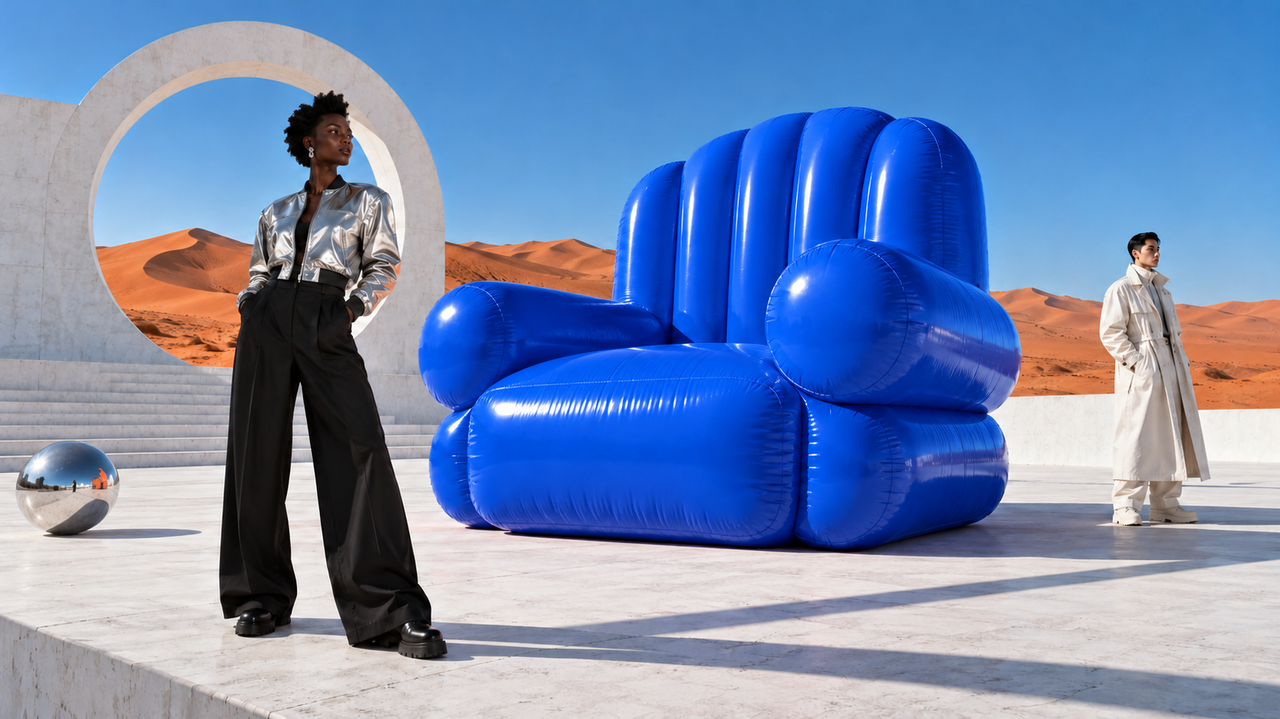
Product visuals
Explore new colors and materials around the same product. Refine presentation images and creative settings over successive edits.
From your first image to your final refinement. Generate and edit with Seedream 5.5, then take your idea further with transparent assets and separate layers.
Start with an existing image. Refine its colors, materials and details as your creative direction takes shape.
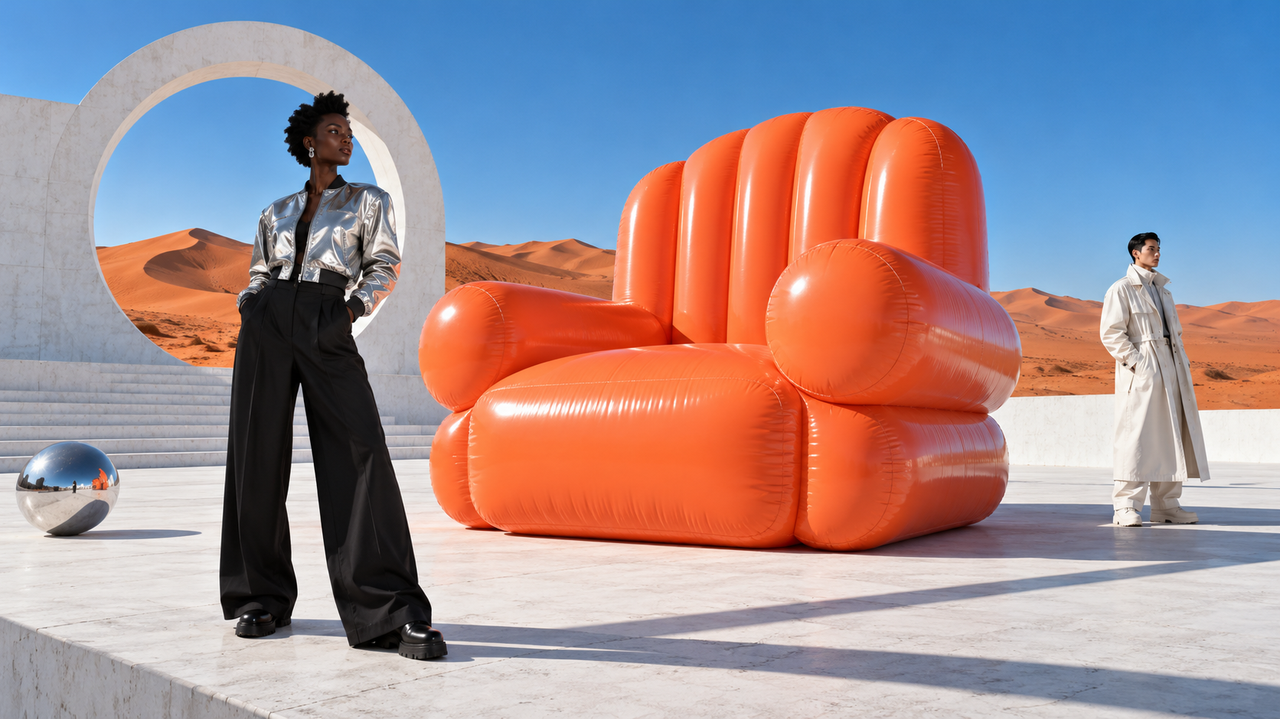
Keep the subjects, people and setting.
“Make the sofa blue. Keep everything else.”
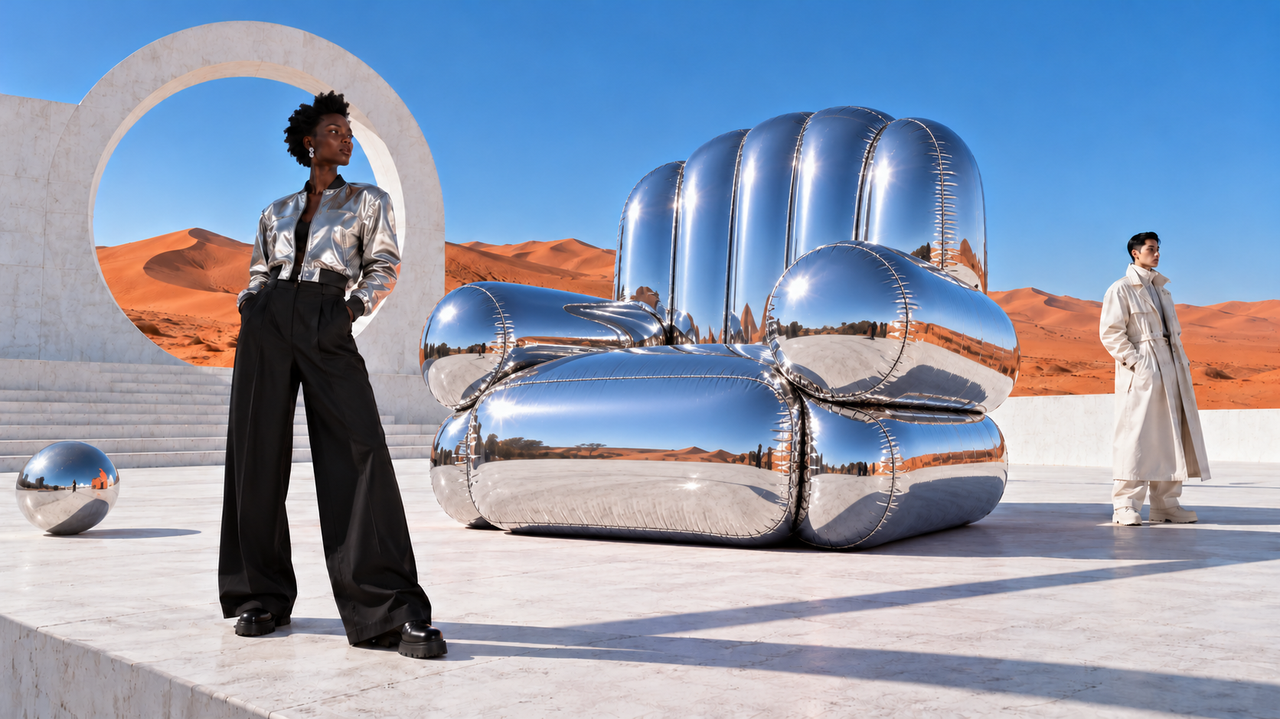
“Give the sofa a silver metallic finish.”
Examples show successive edits. Results vary with image content and prompts.
Generate native RGBA images with transparent backgrounds. Create characters, stickers and visual elements that are easier to combine with a new design.
Separate an image into a base image and transparent layers. Work with elements individually, adjust their placement and build a new composition.
Explore textures, materials and image detail with output resolutions up to 2K.
Combine text and visuals to explore posters, campaign assets and branded creative.
Use flexible aspect ratios to explore new compositions and asset dimensions.
Put image generation and editing to work on a specific creative task.
Explore new colors and materials around the same product. Refine presentation images and creative settings over successive edits.
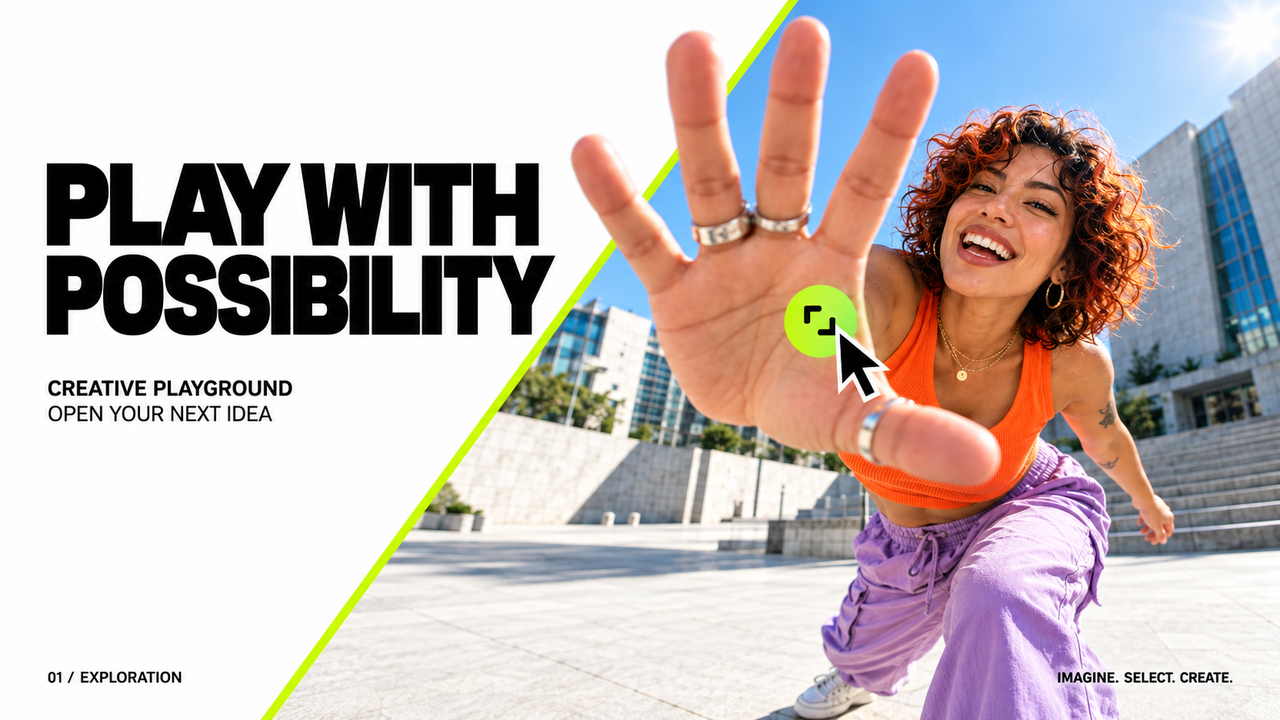
Keep developing a creative direction through changes to composition, text and layout for different campaign visuals.
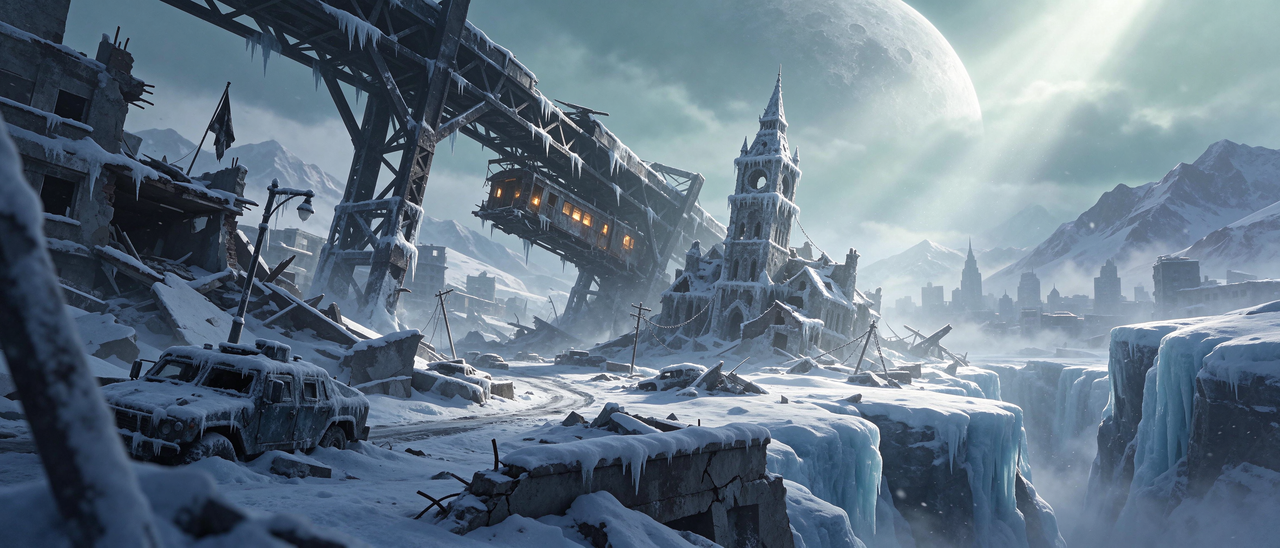
Explore environment concepts, character designs and visual effects. Separate image layers to organize assets and build new compositions.
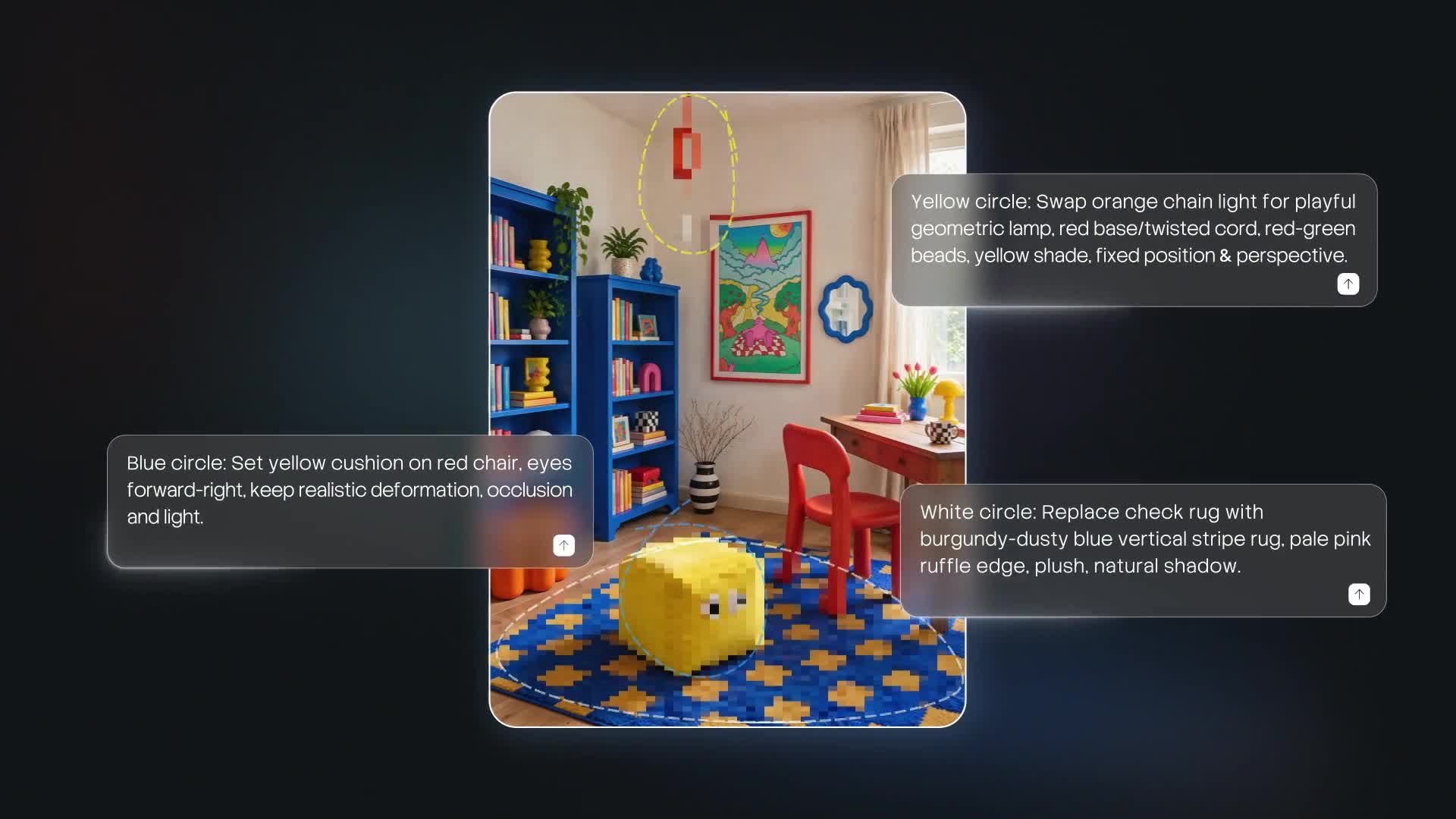
Try new decor, materials and moods in an existing interior image. Create visual references to discuss different design directions.
Write what you want to create, or use an existing image as the starting point for an edit.
Specify the color, material, composition or background you want to change in the next edit.
Generate transparent assets or separate layers when your next design step calls for individual elements.
Match your inputs and output settings to the image you want to make.
| Generation & editing | Text-to-image and image editing |
|---|---|
| Reference images | Up to 10 images |
| Output resolution | 1K / 1.5K / 2K |
| Image formats | PNG (default), JPEG |
| Transparency | Native RGBA |
| Layer separation | Up to 100 images: 1 base + 99 layers |
| Aspect ratios | Custom ratios, including 16:1 and 1:16 |
Get familiar with the model before you create.
Seedream 5.5 supports text-to-image generation and image editing, with multi-turn editing, native RGBA transparency and layer separation. Use it to explore product visuals, marketing design, game art and spatial concepts.
Start with an existing image and give specific instructions over successive edits. For example, change the color first, then the material. Specify both what should change and what should stay.
Yes. Seedream 5.5 supports native RGBA transparency in both text-to-image generation and image editing, useful for characters, stickers and individual design elements.
A separation can produce up to 100 images in total: 1 base image and up to 99 transparent layers. This does not mean 100 independent transparent layers.
Explore game environments, character concepts and visual assets, or adjust materials, decor and mood in existing interior images. Use the results as visual references in a creative workflow.
The Seedream 5.5 launch offer lasts 30 days. During the offer, the price is 60% of the standard price—a 40% discount.
Generate. Refine. Separate. Take your creative direction further.
Create with Seedream 5.5Explore Seedream 5.5 features and workflows →