Zopia × SVAiFF
Кинофестиваль ИИ Лос-Анджелес–Кремниевая долина 2026
Творите с ИИ. Покажите себя миру.
Срок подачи ·
200 универсальных кредитов Zopia + 800 кредитов Vidu
Право на кредиты и их получение определяются условиями акции.
Смотреть событиеZopia × SVAiFF
Творите с ИИ. Покажите себя миру.
Срок подачи ·
200 универсальных кредитов Zopia + 800 кредитов Vidu
Право на кредиты и их получение определяются условиями акции.
Смотреть событие
Zopia × YFCon
Zopia на YFCon 2026: общение с авторами и партнёрами отрасли о творчестве с ИИ.
Zopia — участник выставки · Завершено · 2026.10.08–10.09
Anaheim Convention Center · Hall A
Стенд B14
Zopia × AIGC ASIA
Почтите восточную культуру с помощью ИИ и поделитесь новыми культурными образами с миром.
Золотые награды в двух категориях — по ¥20 000
Зарегистрируйтесь и получите 1,000 кредитов
1 сентября–11 октября
Больше творческих возможностей и наград
Творчество без границ · Награды без границ
Челленджи платформы
Творите с ИИ и делитесь безграничным воображением.
Хорошие идеи заслуживают внимания
CREATORS
MAKE A BRIGHTER WORLD
Челленджи платформы
Приглашайте друзей пополнять баланс и получайте кешбэк.
Творите вместе, растите вместе
TOGETHER
WE CREATE MORE
Партнёрство с авторами
Приглашайте друзей или станьте партнёром и получайте награды.
Объединяйтесь с авторами. Растите вместе.
CREATE TOGETHER
GROW TOGETHER
Use the current Zopia configuration to plan a generation before you submit it.
Seedance 2.5 is ByteDance’s audio-video generation model for longer, more directed short-form scenes. On Zopia, the current route accepts text plus image, video, and audio references, with 4–30 second durations and 480p, 720p, or 1080p output. It is a strong fit when a clip needs a clear sequence of actions instead of one isolated moment.
Choose a practical video job, then give the Generator the references and scene direction it needs.
01
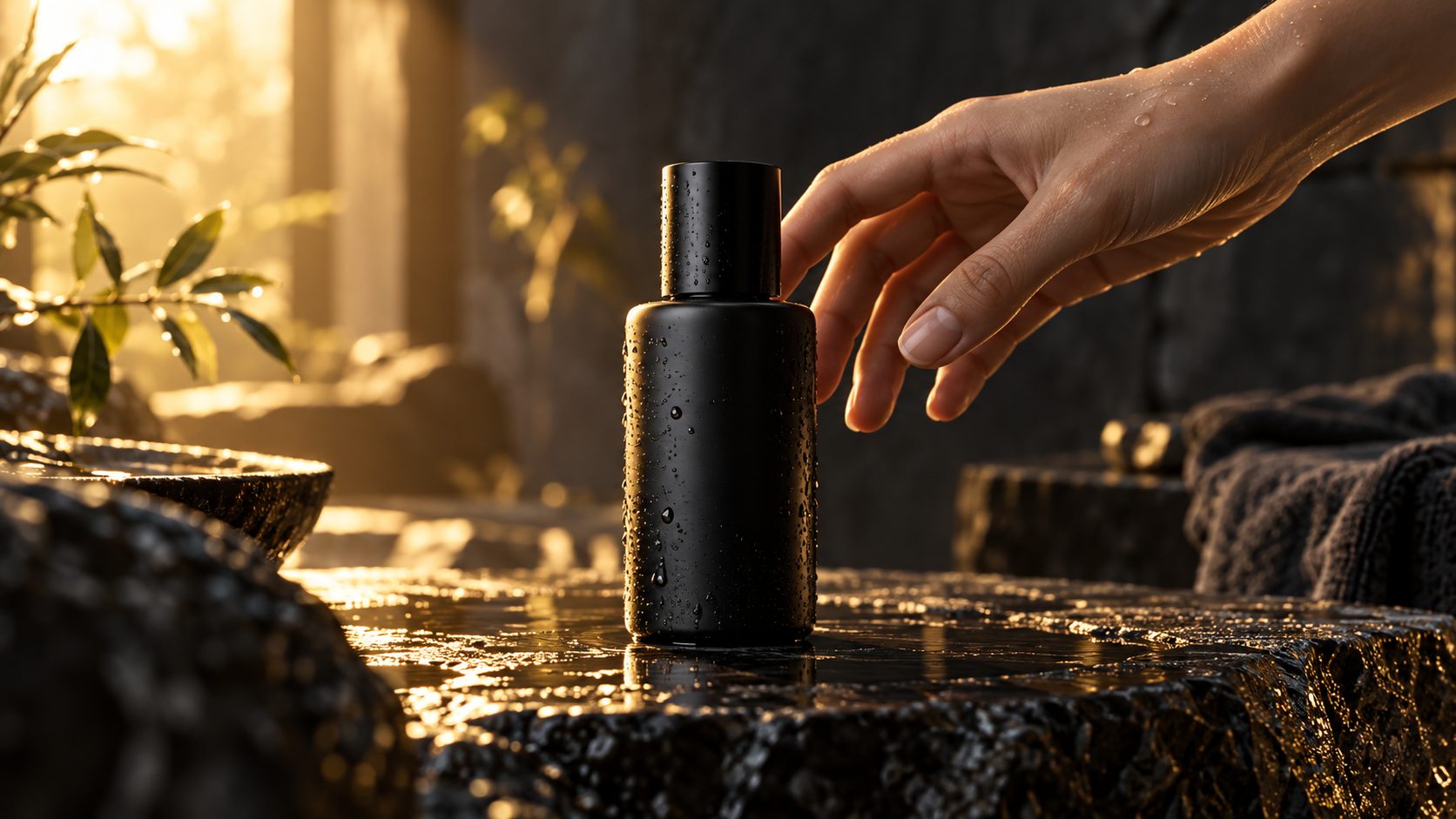
Start with a product image, add a reveal or demonstration, and direct the camera movement for a short product video.
02
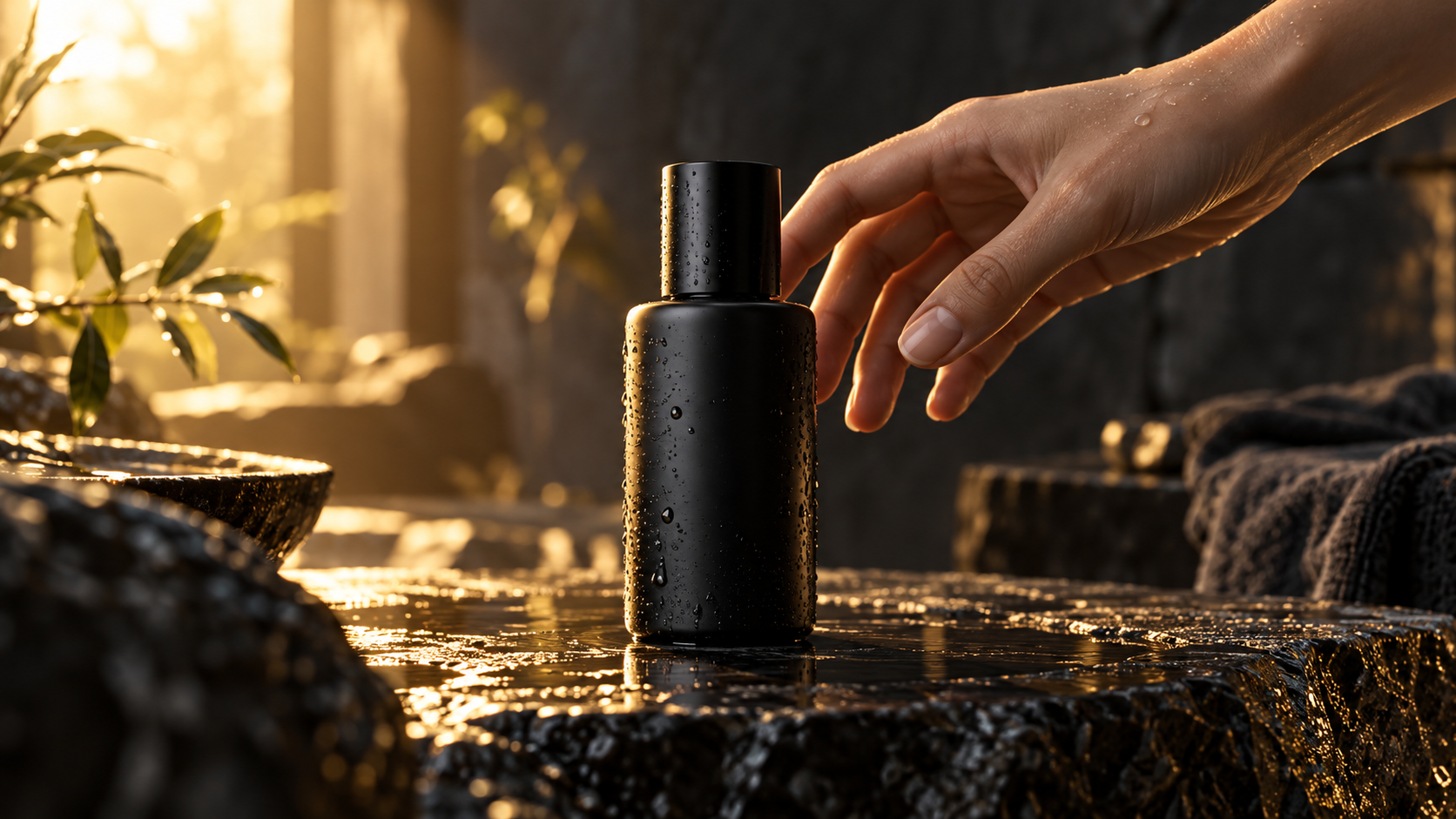
Create a fast opening, clear product action, or vertical 9:16 variation for a social post or paid ad concept.
03
Match visual beats to dialogue, music, ambience, footsteps, or effects for a more complete short scene.
04
Use a track or story beat as the brief, then map the action, camera, transition, and ending across the clip.
Move from idea to generated clip in one workspace, with practical controls for references, scene beats, sound, and delivery format.
Plan an opening, a sequence of actions, and a clear ending in one prompt for a connected 4–30 second scene.
Upload an image as the visual anchor, then describe the movement, camera path, lighting, and change you want to see.
Add dialogue, ambience, music, or sound effects beside the visual beat where they should happen.
Give each image, video, or audio reference a role so the generator knows what should define the subject, motion, rhythm, or setting.
Choose duration, resolution, and aspect ratio in the Generator, then create a version for social, product, music, or story content.
Start with a clear outcome, paste a usable prompt, and generate your first version directly in Zopia.
Decide whether you are making a product ad, social hook, music-led clip, image to video scene, or short story beat.
Upload the images, video, or audio that matter, assign each one a role, then paste a prompt with the subject, action, camera, timing, and sound.
Choose duration, resolution, and aspect ratio in the Generator, review the estimate, and select Generate to create the clip.
Write the goal first, then define reference roles, subject, action, setting, camera, timed beats, sound, and ending. Copy this prompt into the Generator and replace the bracketed details: “Create a [duration]-second [format] video for [goal]. Image 1 defines [subject/product]. 0–5s: [opening shot and action]. 5–10s: [camera movement and main action]. 10–15s: [change or reveal]. Add [dialogue, ambience, music, or sound effect] at [timing]. Keep [identity/product/style] consistent. End with [final frame].” Keep duration, resolution, and aspect ratio in the Generator controls when those settings are available.
Copy any prompt directly into the Zopia Generator, then replace the subject, reference roles, timing, and format with your own.
Create a 10-second vertical 9:16 product video. Image 1 defines the matte black skincare bottle and label. 0–3s: close shot on a wet stone table as warm morning light moves across the label. 3–7s: slow camera push-in while a hand turns the bottle toward the light. 7–10s: hold on the logo with a subtle glass sound and soft room tone. Keep the bottle shape, label, and text consistent. End on a clean product frame.
Create a 16-second cinematic backstage video. Image 1 defines the singer’s face and red coat. Audio 1 provides the rhythm. 0–5s: handheld camera follows her through a backstage corridor toward the stage. 5–11s: move beside her as the beat builds, with footsteps and crowd ambience. 11–16s: she reaches the spotlight and delivers one short line, then hold on the final pose. Keep her face, coat, and lighting consistent.
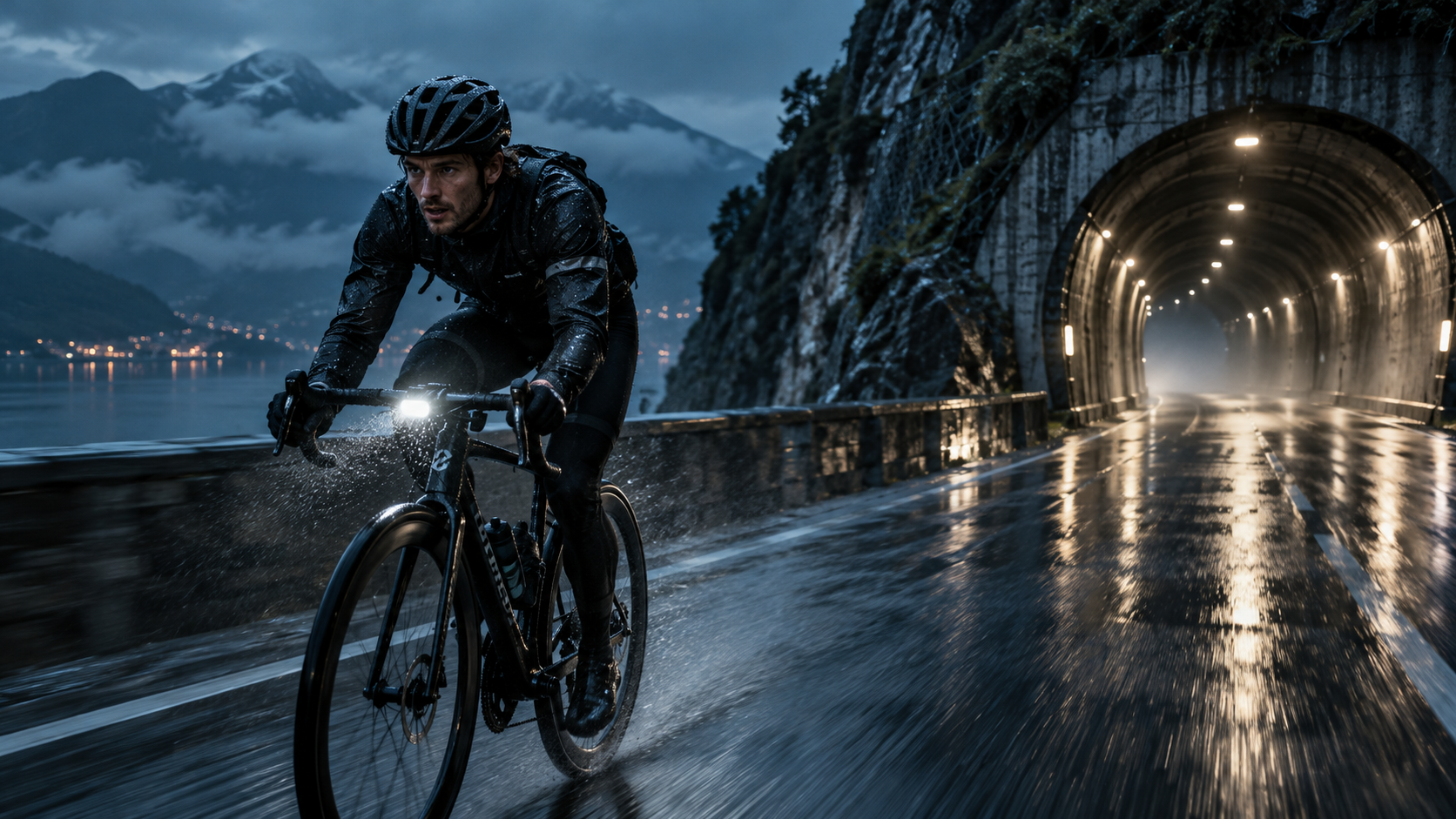
Create a 30-second 16:9 short film scene at blue hour. A cyclist approaches a rain-soaked mountain tunnel. 0–8s: wide view beside the lake as the cyclist enters frame. 8–16s: tracking camera follows the wheels through spray. 16–24s: the cyclist looks toward the tunnel lights and accelerates. 24–30s: camera moves behind the cyclist into the tunnel and ends on the lights ahead. Keep the rider, bicycle, weather, and location consistent. Add rain ambience and distant wind.
Copy a prompt, add your reference image or audio, choose the format, and turn the next idea into a finished clip directly in the Generator.
Generate with Seedance 2.5Use one brief across different model strengths, then keep the version that fits the channel.
Бесплатно / Без ограничений / Кинематографическое качество
До 10 референсов / согласованные персонажи и товары
Плавное действие / естественная мимика