Zopia × SVAiFF
The current Zopia configuration gives you the following controls.
GPT Image 2.5 is OpenAI’s image generation and editing model family. OpenAI describes Flare as the faster default for everyday creation and Sunburst as the higher-precision option for more demanding creative work; the current Zopia route is GPT-Image-2.5 Flare. This page focuses on the practical workflow: create from a brief, edit a reference, and iterate while keeping the important parts stable.
Use one workflow for the first concept, the controlled edit, and the production-ready version.
01
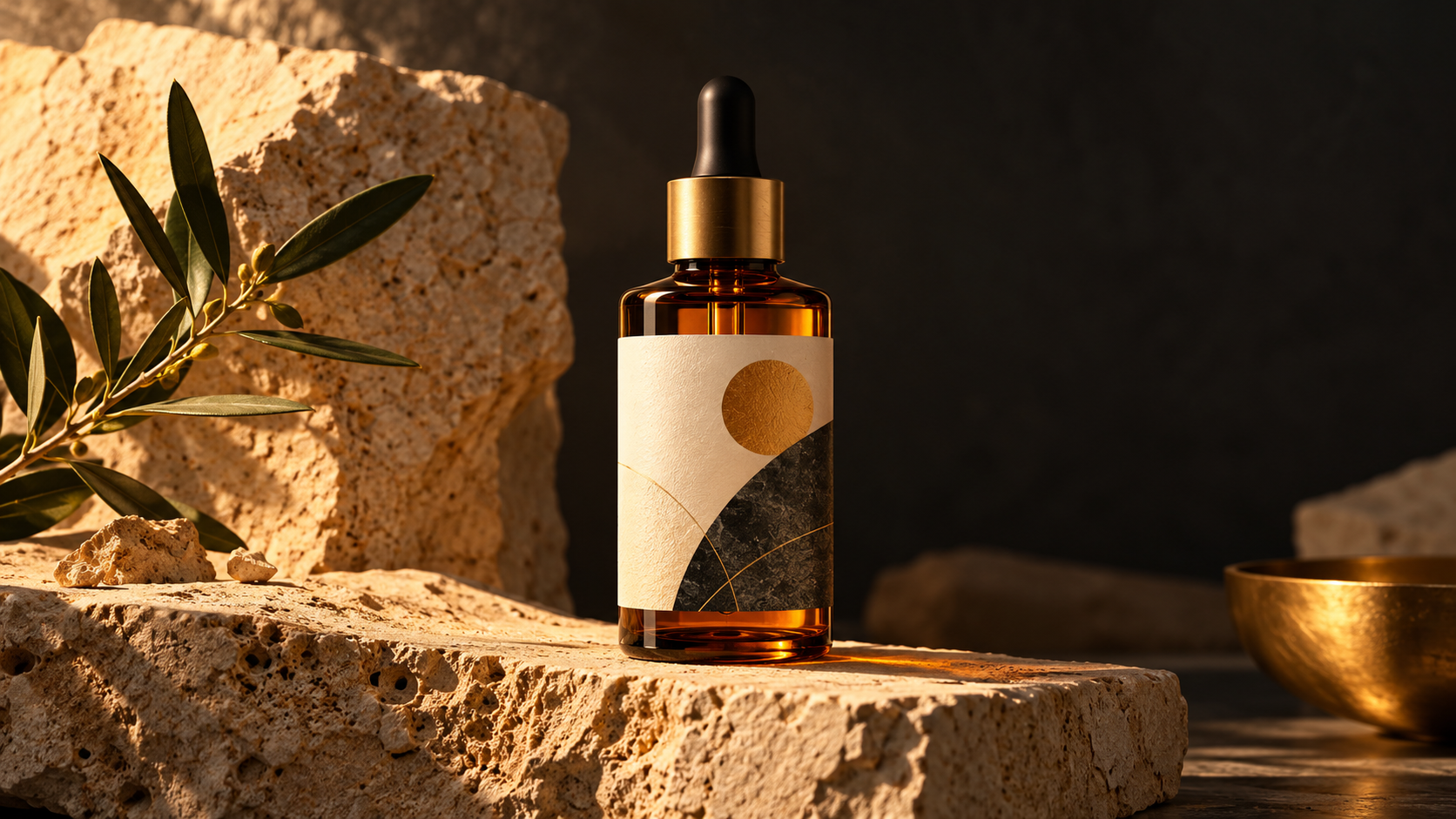
Keep the product shape, label, and brand marks while changing the setting, lighting, surface, or composition.
02
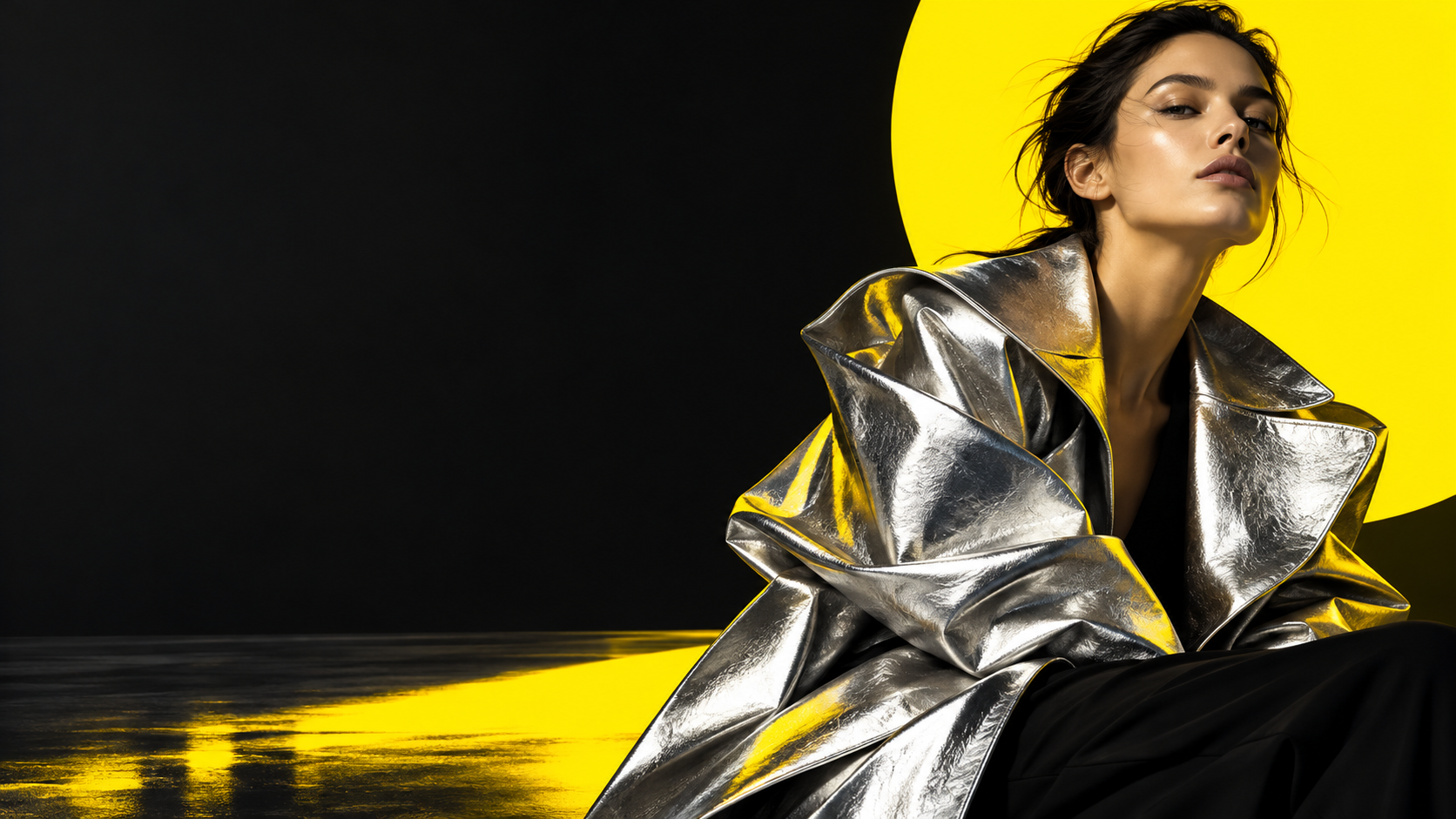
Create multiple hooks, headlines, backgrounds, crops, and aspect ratios from one visual direction.
03
Generate cutouts, stickers, icons, and compositing elements with a transparent background and clean subject edges.
04
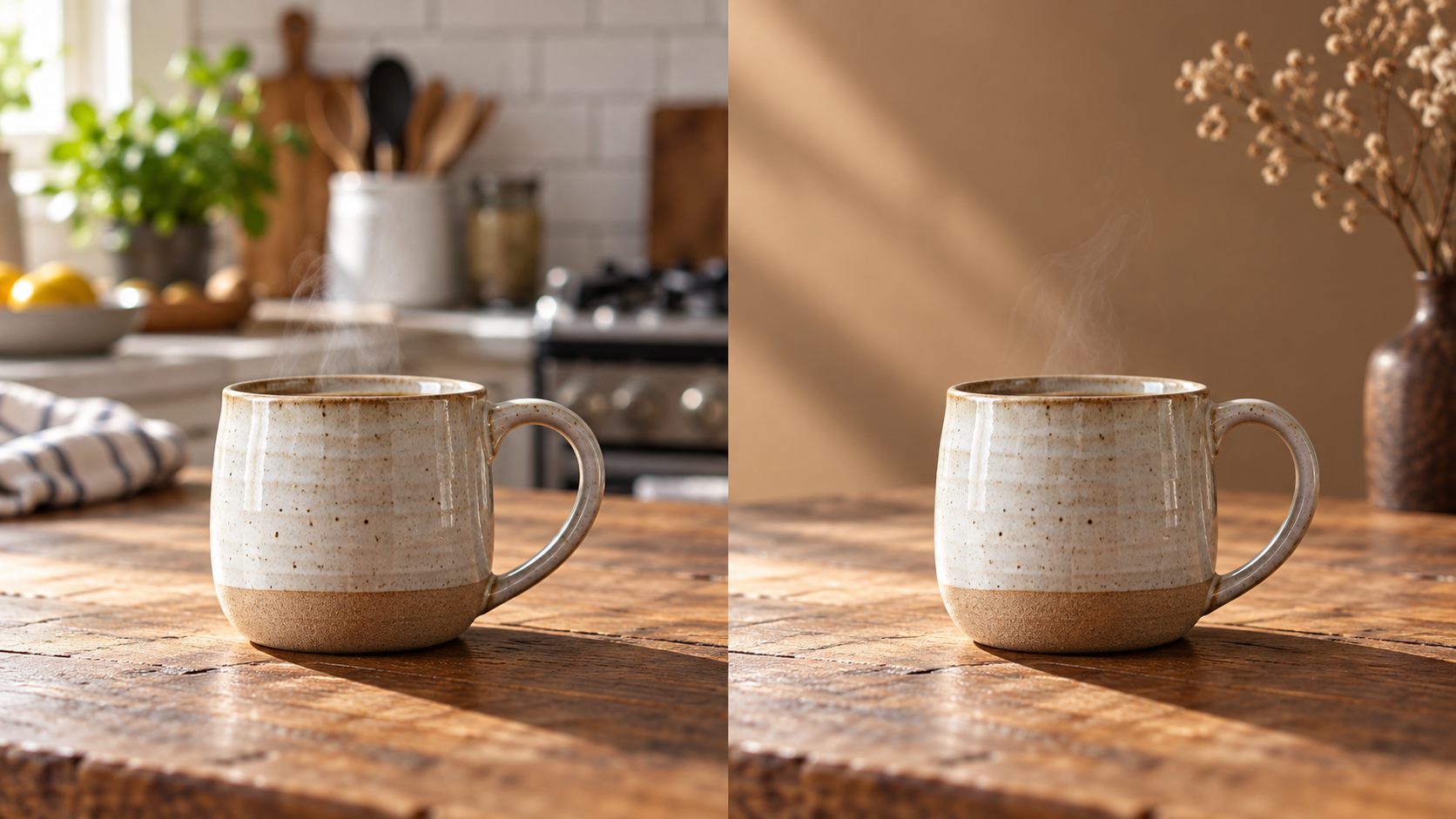
Change one object, color, or background while protecting the rest of the image with explicit keep rules.
Move from first concept to finished asset in the same Zopia workflow, with controls that keep important visual details in view.
Describe the subject, audience, composition, lighting, style, and exact copy to create a strong first direction without rebuilding the brief each time.
Use the ChatGPT image editor workflow to replace a background, remove an object, adjust a color, or change a layout while naming the details that must stay.
Upload product, character, or layout references and explain each image's role so the next generation stays aligned with the visual direction.
Ask for a transparent background when you need a product cutout, sticker, icon, or composited subject. Specify clean edges and the intended placement.
Use 1K for exploration, 2K for working assets, or 4K image generation when the final placement needs more detail. Select the aspect ratio before you submit.
Write the outcome first, add the references and constraints that matter, then make one focused edit at a time.
State the use case, subject, audience, aspect ratio, composition, lighting, style, and any exact text that must appear.
Upload up to 16 reference images when useful. Say what each one contributes, what may change, and what must remain consistent, such as a logo, face, label, or product shape.
Create the first image, check text and important details, then request one clear change. Choose 1K, 2K, or 4K and the final aspect ratio for the intended placement.
Use this order: goal + subject + composition + exact text + lighting + style + reference roles + constraints + output size. For editing, lead with the change, then list what must stay. Copy and adapt: "Create a 4:5 product campaign image from the uploaded bottle photo. Keep the bottle shape, label layout, logo, and camera angle unchanged. Replace the background with warm limestone, add soft side lighting and a short contact shadow, leave clean space at the top for the headline 'Made for the morning', and export with a transparent background around the bottle."
Copy a prompt into the Generator, then replace the subject, text, colors, and format with your own brief.
Create a 4:5 premium product campaign image from the uploaded bottle photo. Keep the bottle shape, label layout, logo, and camera angle unchanged. Place it on warm limestone with soft side lighting and a short contact shadow. Leave clean space at the top for the headline "Made for the morning". Use a restrained cream, amber, and charcoal palette.
Create a high-detail product cutout from the uploaded sneaker reference. Keep the shoe shape, stitching, sole, logo placement, and material texture accurate. Remove the entire background and make it transparent with clean edges and no halo. Use a three-quarter angle, centered framing, and soft natural shadow only if it remains separate from the transparent background.
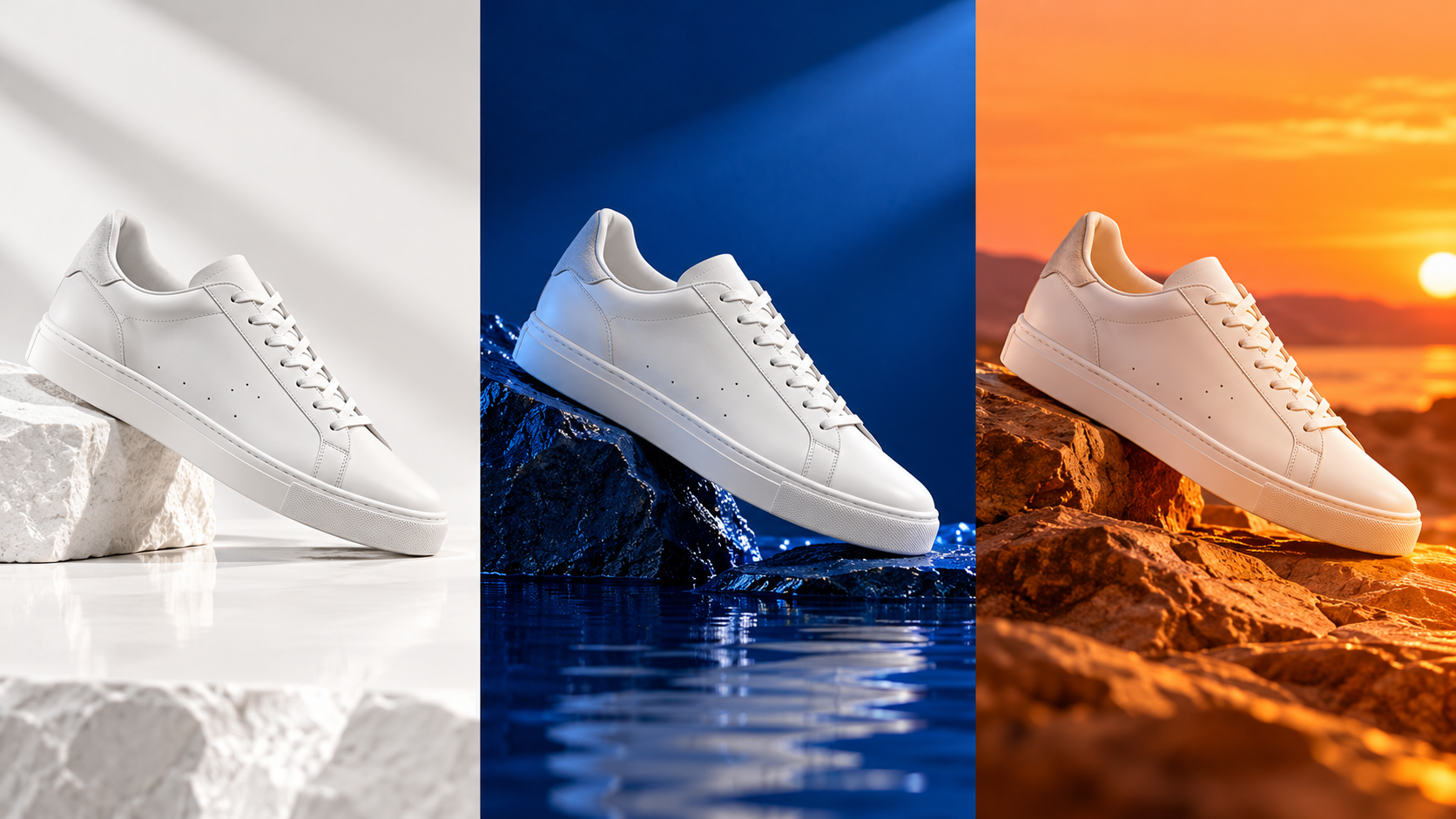
Using the uploaded white sneaker reference, create three 1:1 campaign directions with the same shoe shape, stitching, camera angle, and scale. A: bright white studio with a soft gray floor. B: deep cobalt background with reflective water. C: warm sunset rocks with long shadows. Do not add text or change the logo. Keep each direction clean enough for a headline to be added later.
Edit the uploaded ceramic cup image. Keep the cup shape, handle, steam, table texture, camera angle, and light direction unchanged. Replace only the cluttered kitchen background with a quiet warm wall and one dry plant. Preserve the contact shadow and realistic depth of field. Do not add text or new objects.
Generate a first direction, edit the details that matter, and keep the work moving inside Zopia with GPT Image 2.5.
Generate with GPT Image 2.5Use the same brief to compare style, text, references, and output format.