
Zopia × SVAiFF
2026 Los Angeles–Silicon Valley AI Film Festival
Create with AI. Be seen by the world.
Submission deadline ·
200 Zopia Universal Credits + 800 Vidu Credits
Credit eligibility and redemption follow the campaign terms.
View eventZopia × SVAiFF
Create with AI. Be seen by the world.
Submission deadline ·
200 Zopia Universal Credits + 800 Vidu Credits
Credit eligibility and redemption follow the campaign terms.
View event
Zopia × YFCon
Zopia at YFCon 2026: connecting with creators and industry partners through AI creation.
Zopia exhibitor · Ended · 2026.10.08–10.09
Anaheim Convention Center · Hall A
Booth B14
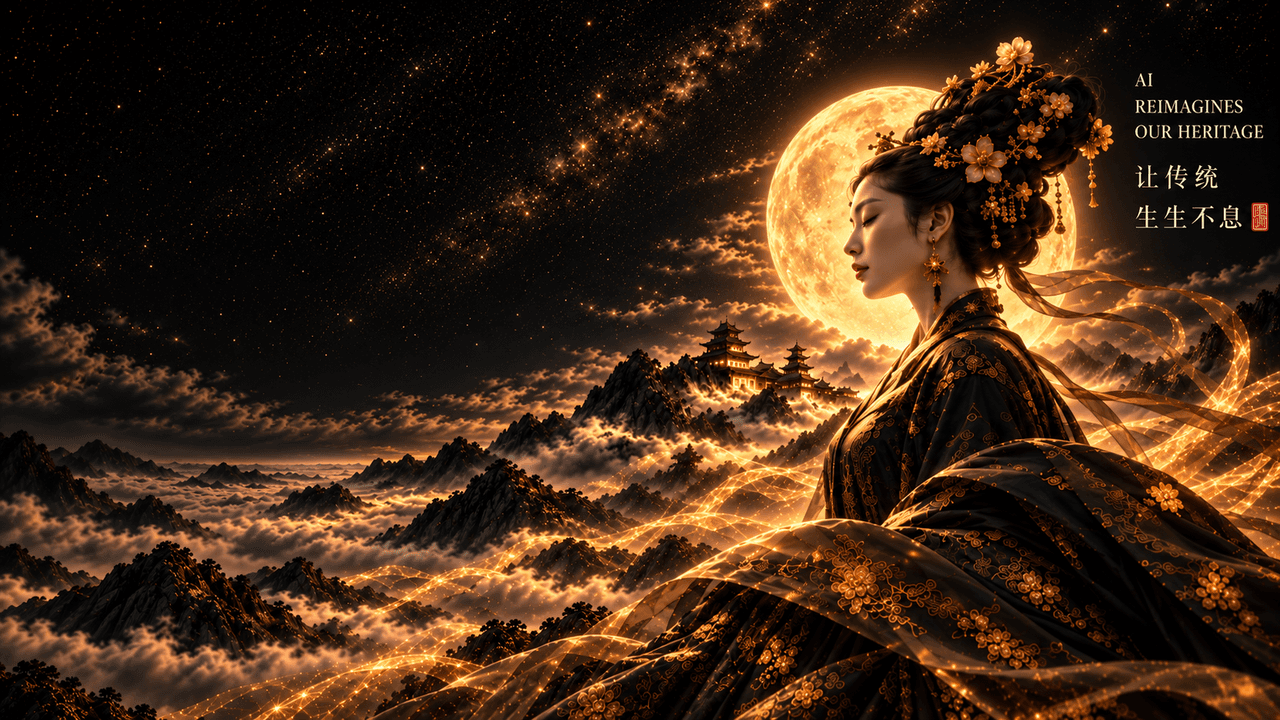
Zopia × AIGC ASIA
Celebrate Eastern culture with AI and share new cultural visions with the world.
Gold awards in two tracks, ¥20,000 each
Register and receive 1,000 credits
Sep 1–Oct 11
More creative possibilities, more rewards
Create without limits · Earn without limits
Platform challenges
Create with AI. Share your boundless imagination.
Great ideas deserve to be seen
CREATORS
MAKE A BRIGHTER WORLD
Platform challenges
Invite friends to top up and earn cashback rewards.
Create together, grow together
TOGETHER
WE CREATE MORE
Creator partnerships
Invite friends or apply as an affiliate and earn rewards.
Connect with creators. Grow together.
CREATE TOGETHER
GROW TOGETHER
Connect your AI assistant to Zopia. Generate images and videos with a prompt, then continue creating on your personal canvas. No local runtime required.
Choose an image model and bring your idea to life.
Create videos from text or reference image URLs.
Your results are saved to your personal Zopia canvas.
Get connected
Option one
Copy the prompt to ChatGPT and follow the steps to connect and authorize your Zopia account.
Please connect the Zopia MCP server in ChatGPT:
Server URL: https://zopia.ai/api/chatgpt/mcp
Connection type: streamableHttp
Authentication: OAuthOption two
Use the existing Zopia OAuth connector or add a custom connector with this URL where available. This connection is separate from the API Token route.
https://zopia.ai/api/chatgpt/mcpCustom OAuth setup uses client ID zopia-chatgpt and scope zopia:personal. If your platform requires a client secret, the administrator must configure it through the existing integration. API Tokens cannot replace OAuth credentials.
Availability depends on client version and account permissions. Token connections require remote Streamable HTTP and custom request headers. Follow the selected client’s configuration instructions. Cursor offers an install shortcut; other clients use setup prompts or manual configuration.
Try your first creation
Use Zopia to create a cinematic image of a small seaside bookshop at sunset, in 16:9. Choose a suitable image model. When it is ready, show me the image and canvas link.
Quick guide
No. These MCP tools run on Zopia’s servers. A compatible MCP client is enough for image and video generation.
Generation uses the connected Zopia account and follows the website’s credit and eligibility rules. Connection checks, model lists and result queries do not create generation charges.
Yes. Provide a public HTTPS image URL without redirects (PNG, JPEG, WebP or GIF, up to 20 MB each). Local files and chat attachments are not automatically uploaded by this MCP.
Keep the original request_id and query get_generation_result. A timeout does not mean the task failed. Do not submit with a new ID, which could create a second paid generation.
Store it only in trusted client settings. Never add it to a URL, public repository or chat. Rotate it in API Token settings if exposed, then update every client using it. OAuth authorization remains separate.
get_server_info, list_models (requires image or video), generate_image, generate_video and get_generation_result. Project management, audio generation and local uploads are not included.